图像
GPT Image 2 API 变体:2
≈ $0.106
106 API 积分
没有匹配结果。试试“video”、“FLUX”或“webhooks”。
正在加载模型…
openai/gpt-image-2/edit
# Run the model; wait up to 20 s for the finished result in the same call
curl -X POST "https://api.doitong.com/v1/run/openai/gpt-image-2/edit?wait=20" \
  -H "Authorization: Bearer $DOITONG_API_KEY" \
  -H "Content-Type: application/json" \
  -d '{
    "prompt": "A red fox trots through fresh snow at sunrise, soft golden light, shallow depth of field",
    "images": [
      "https://content.doitong.com/images/showcase/v3/gen_fox_cartoon.jpg"
    ]
  }'

# Still "queued" or "running"? Poll with the id from the response:
curl "https://api.doitong.com/v1/requests/REQUEST_ID?wait=20" \
  -H "Authorization: Bearer $DOITONG_API_KEY"
const API = "https://api.doitong.com/v1";
const headers = {
"Authorization": "Bearer " + process.env.DOITONG_API_KEY,
"Content-Type": "application/json",
};
// Run the model; wait up to 20 s for the finished result in the same call
let res = await fetch(API + "/run/openai/gpt-image-2/edit?wait=20", {
method: "POST",
headers,
body: JSON.stringify({
"prompt": "A red fox trots through fresh snow at sunrise, soft golden light, shallow depth of field",
"images": [
"https://content.doitong.com/images/showcase/v3/gen_fox_cartoon.jpg"
]
}),
});
let request = await res.json();
if (!res.ok) throw new Error(request.error.code + ": " + request.error.message);
// Not finished yet: long-poll until it is
while (request.status === "queued" || request.status === "running") {
res = await fetch(API + "/requests/" + request.id + "?wait=20", { headers });
request = await res.json();
}
if (request.status !== "succeeded") throw new Error(JSON.stringify(request.error));
console.log(request.outputs.map((o) => o.url), request.cost.credits + " API credits ($" + request.cost.usd + ")");import os
import requests
API = "https://api.doitong.com/v1"
headers = {"Authorization": "Bearer " + os.environ["DOITONG_API_KEY"]}
payload = {
"prompt": "A red fox trots through fresh snow at sunrise, soft golden light, shallow depth of field",
"images": [
"https://content.doitong.com/images/showcase/v3/gen_fox_cartoon.jpg",
],
}
# Run the model; wait up to 20 s for the finished result in the same call
r = requests.post(API + "/run/openai/gpt-image-2/edit", params={"wait": 20}, json=payload, headers=headers)
request = r.json()
if not r.ok:
raise RuntimeError(request["error"]["code"] + ": " + request["error"]["message"])
# Not finished yet: long-poll until it is
while request["status"] in ("queued", "running"):
request = requests.get(API + "/requests/" + request["id"], params={"wait": 20}, headers=headers).json()
if request["status"] != "succeeded":
raise RuntimeError(request["error"])
print([o["url"] for o in request["outputs"]], request["cost"]["credits"], "API credits", "$" + request["cost"]["usd"])# 1. Connect once (Claude Code; Cursor, VS Code, Claude Desktop: https://doitong.com/zh/developers/docs/mcp)
claude mcp add --transport http doitong-models https://api.doitong.com/v1/mcp \
--header "Authorization: Bearer $DOITONG_API_KEY"
# 2. Your agent calls the "run" tool with:
{
"model_id": "openai/gpt-image-2/edit",
"input": {
"prompt": "A red fox trots through fresh snow at sunrise, soft golden light, shallow depth of field",
"images": [
"https://content.doitong.com/images/showcase/v3/gen_fox_cartoon.jpg"
]
}
}通过 Doitong API 调用 GPT Image 2 API · Edit 模型(openai/gpt-image-2/edit)。智能体文档:https://doitong.com/zh/developers/models/openai/gpt-image-2/edit.md
POST https://api.doitong.com/v1/run/openai/gpt-image-2/edit?wait=20
Authorization: Bearer $DOITONG_API_KEY
Content-Type: application/json
{
"prompt": "A red fox trots through fresh snow at sunrise, soft golden light, shallow depth of field",
"images": [
"https://content.doitong.com/images/showcase/v3/gen_fox_cartoon.jpg"
]
}
如果响应状态为 "queued" 或 "running",请轮询 GET https://api.doitong.com/v1/requests/REQUEST_ID?wait=20,直到状态变为 "succeeded";文件位于 outputs[].url。使用相同请求体 POST https://api.doitong.com/v1/quote/openai/gpt-image-2/edit,可在运行前返回确切价格。此请求: ≈$0.222 222 API 积分 在此页面运行
你的新 API 密钥。 它仅在此时显示,并且已填入下方的代码和 API 密钥字段中。请妥善保密:切勿将其放入在浏览器中运行的代码。
Doitong 社区使用 GPT Image 2 API 制作的公开作品。一键复用提示词。

Keep architecture unchanged. Photorealistic cinematic POV shot from a child riding a scooter through a modern residential park, clean late morning sunlight with soft upper side-backlight, ARRI Alexa 35, Leica Summilux-C 28mm lens, Black Pro Mist 1/8, subtle handheld inertia, natural optical...

Art style: Фотореалистичная семейная комедия, максимальный фотореализм, естественные движения малышей, выразительная мимика, кинематографическая съёмка, вирусный короткий визуальный юмор без диалогов. Внешность Лео и Мии сохраняется неизменной во всех сериях.. Лео и Мия сидят вместе на мягком...
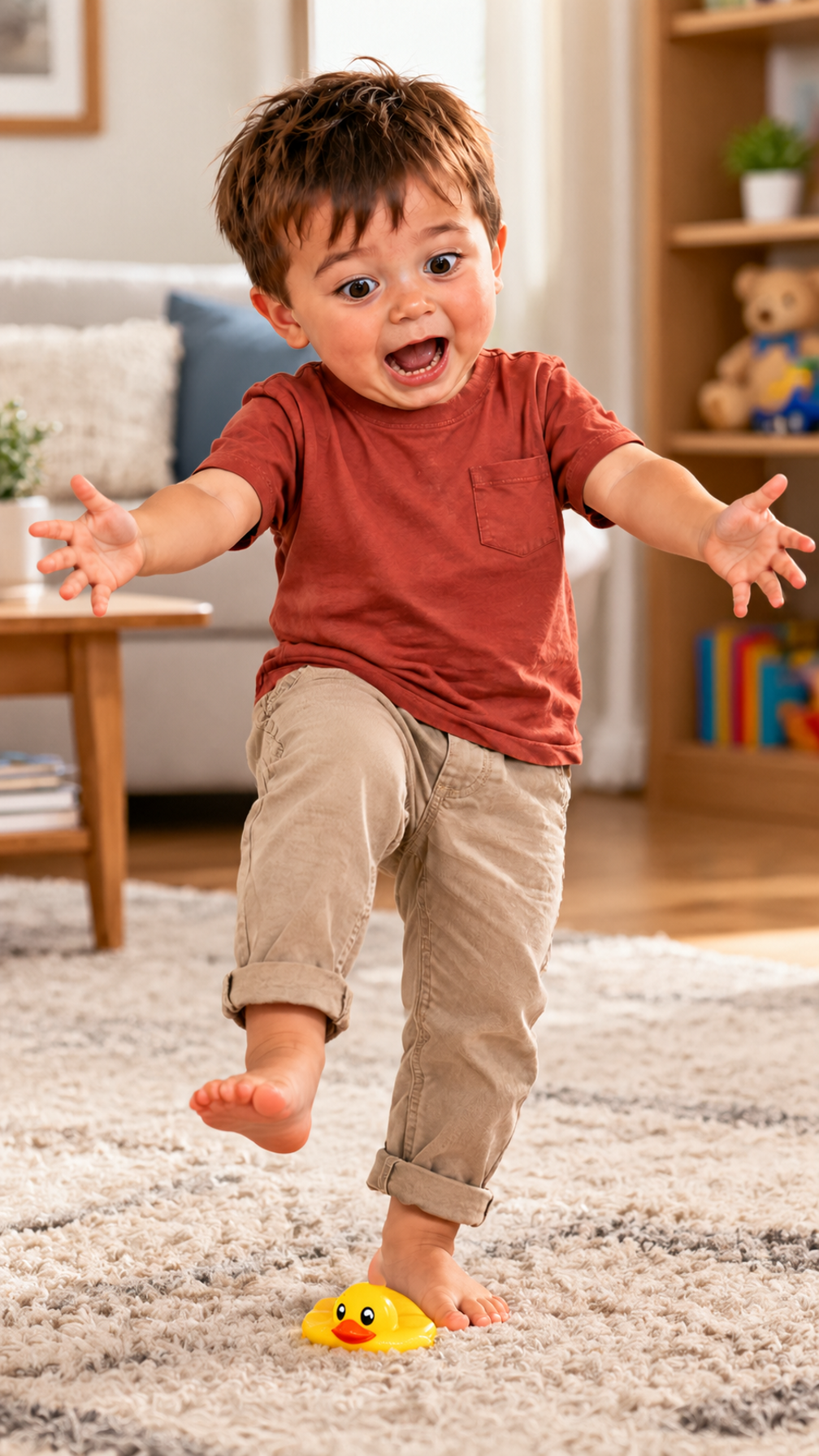
Art style: Фотореалистичная семейная комедия, максимальный фотореализм, естественные движения малышей, выразительная мимика, кинематографическая съёмка, вирусный короткий визуальный юмор без диалогов. Внешность Лео и Мии сохраняется неизменной во всех сериях.. Лео наступает босой ногой на...
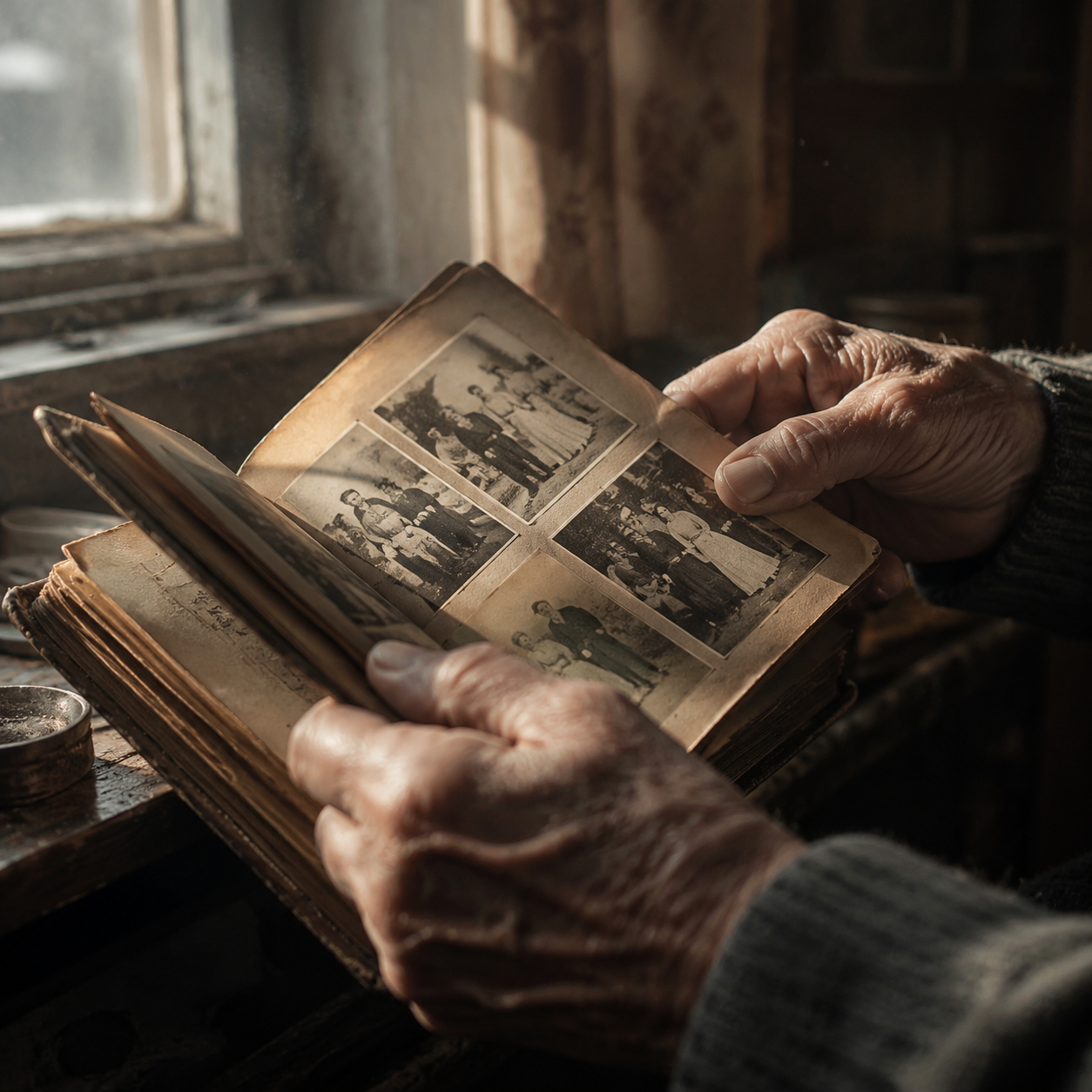
Крупный план рук пожилого мужчины, бережно держащего старый фотоальбом. Он медленно перелистывает пожелтевшие страницы с выцветшими семейными фотографиями. Мягкий тёплый свет из окна, видимые детали возрастной кожи и фактуры потёртой обложки, пылинки в воздухе, спокойная камерная атмосфера,...

Создай реалистичную, тёплую семейную фотографию, используя обе загруженные фотографии как визуальные референсы для внешности людей и общего стиля. Изобрази бабушку в центре, а членов семьи вокруг неё — все нежно обнимают бабушку и друг друга, прижавшись плечами, с искренними улыбками и выражением...

Отредактируй загруженное изображение, сохранив стиль референса максимально точно: тот же шрифт и характер букв, цвет, оформление, композиционную эстетику и визуальное настроение. Добавь надпись именно на кириллице и ровно в таком написании: «Адрес: Төле би 40 / Самал 22А (7 мкр)». Размести весь...
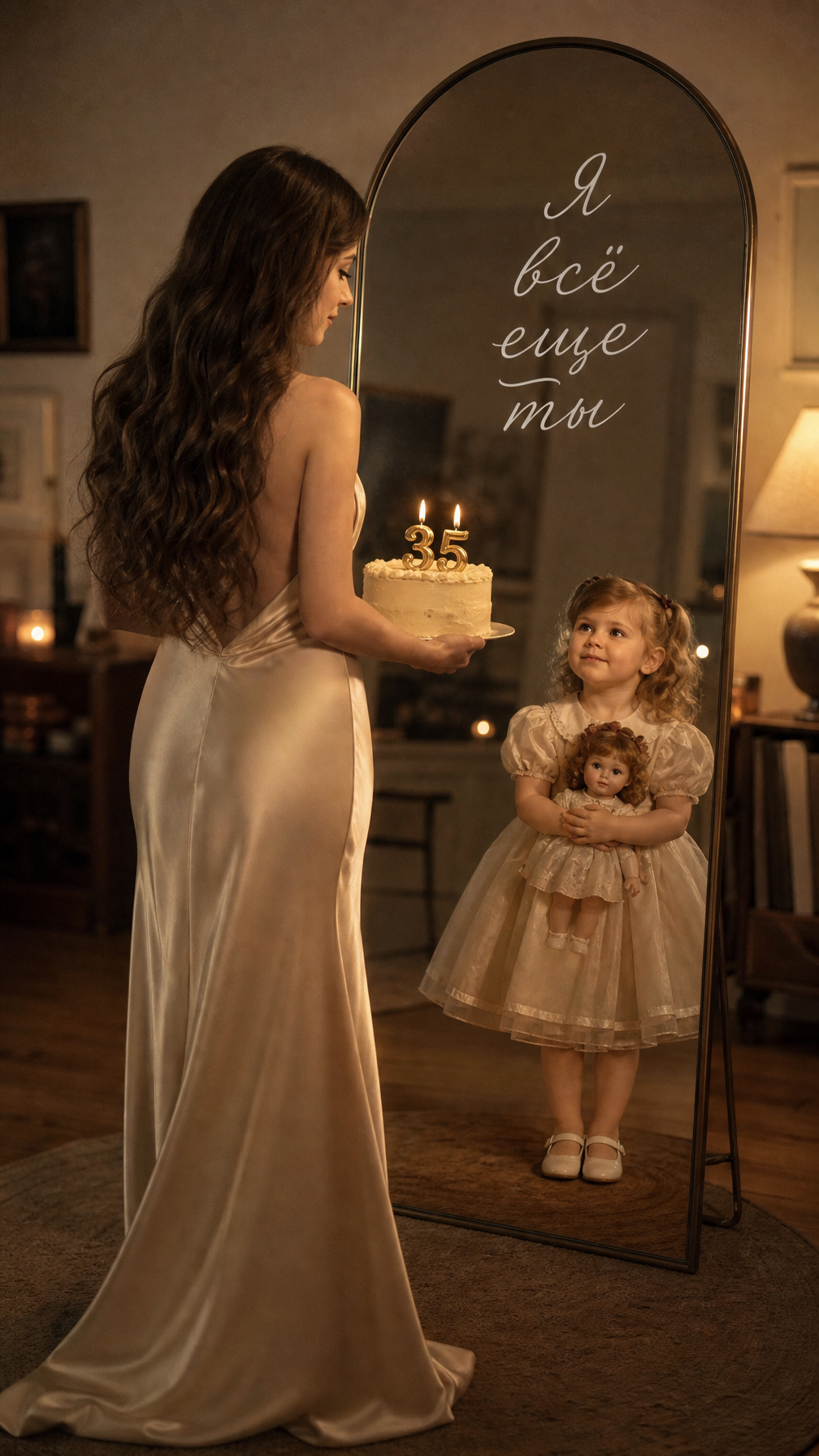
Создай не меняя черты лица. Фотореалистичный винтажный cinematic portrait. В кадре большое напольное зеркало в тонкой арочной раме. Спиной к камере у зеркала стоит взрослая девушка-, корпус развёрнут к своему отражению, голова слегка повёрнута в профиль, взгляд направлен в зеркало на свою...

Используй загруженное изображение как референс стиля и создай изображение с единственной надписью: «YERSAY ӨНІМДЕРІ ТАРАЗ ҚАЛАСЫНДА». Напиши весь текст ровно в 2 строки: в первой строке слова «YERSAY ӨНІМДЕРІ» рядом друг с другом, во второй строке — «ТАРАЗ ҚАЛАСЫНДА». Сохрани максимально похожими...

Используй загруженное изображение как референс стиля и создай изображение с единственной надписью: «YERSAY ӨНІМДЕРІ ТАРАЗДА». Напиши весь текст в 2 строки, слова YERSAY ӨНІМДЕРІ рядом друг с другом, ТАРАЗДА перенеси на вторую строку. Сохрани максимально похожими на референс стиль букв,...

Используй загруженное изображение как референс стиля и создай изображение с единственной надписью: «YERSAY ӨНІМДЕРІ ТАРАЗ ҚАЛАСЫНДА». Напиши весь текст ровно в 2 строки: в первой строке — «YERSAY ӨНІМДЕРІ», слова рядом друг с другом; во второй строке — «ТАРАЗ ҚАЛАСЫНДА». Точно сохрани написание и...

Сделай этикетку на продукцию оформленную красиво и стильно в соответствии с составом. Можешь ориентироваться по стилю на фото 1. Текст на этикетке: производитель ИП Стрини Ю.Л. «соломка кетовая», состав: рыба кета, соль, сахар, специи. Срок хранения при t не от 0 до -3 60 суток. Вес: 500гр

Art style: 3D stylized animation. The older woman depicted in photo 1 stands on electronic scales in a sun‑filled bedroom. Morning light pours in through the window, creating gentle shadows. She lowers her gaze — her expression is serene, yet a subtle anticipation lingers. The room is neat, with...

Art style: 3D stylized animation. Пожилая женщина, изображённая на фото 1, стоит на электронных весах в спальне, залитой солнцем. Утренний свет льётся через окно, создавая мягкие тени. Она опускает взгляд — выражение её лица безмятежно, но чувствуется лёгкое ожидание. Цифр на весах пока не видно....

Art style: Реалистичный кулинарный блог. Ведущая стоит в центре кухни, обе руки свободно лежат на столе перед ней, где красиво разложены готовые булочки на деревянной доске. Она смотрит прямо в камеру с открытой, приглашающей улыбкой. Фон — интерьер кухни с элементами скандинавского дизайна:...
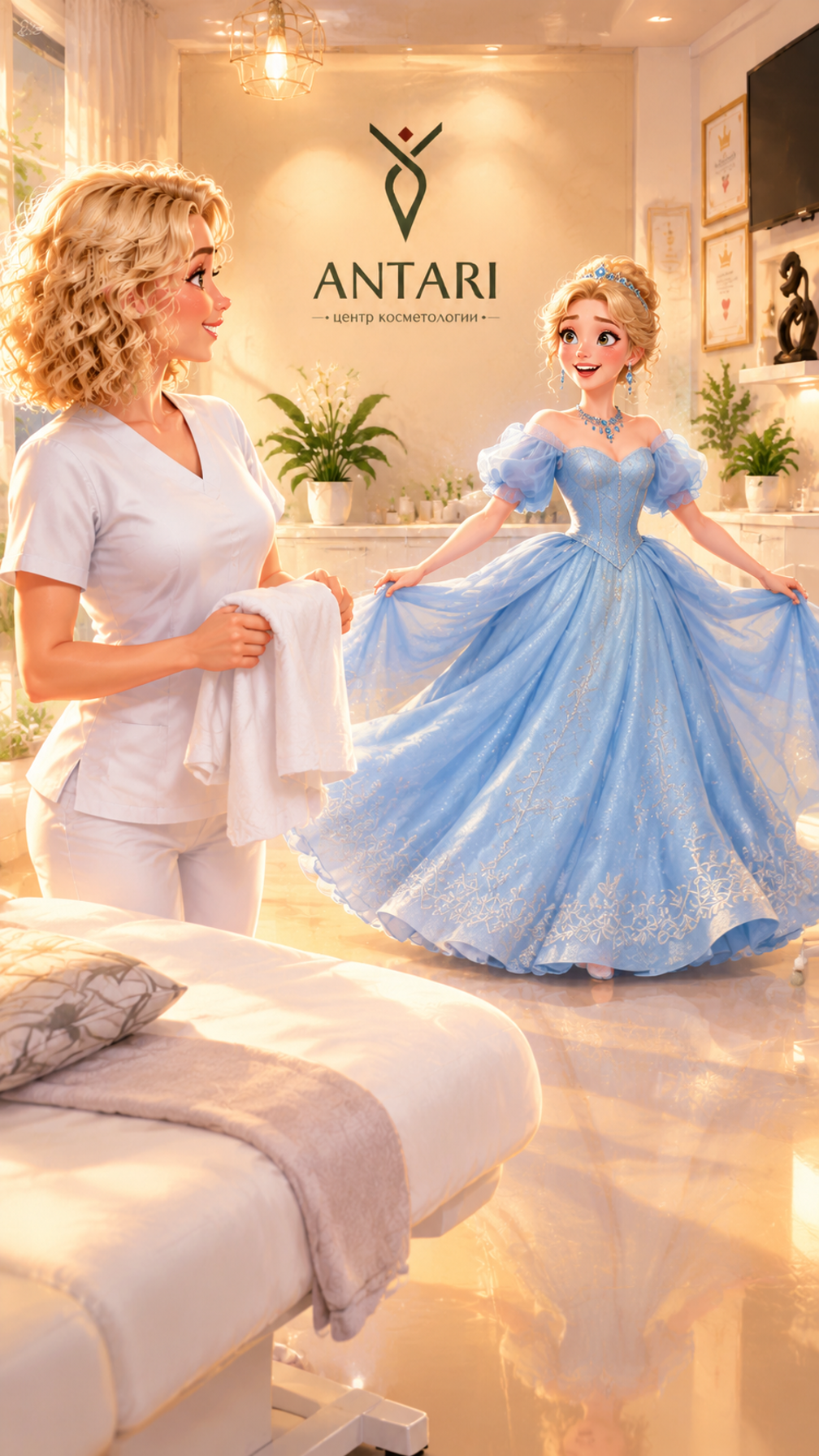
Art style: Disney-inspired. Злата standing in the middle ground; Косметолог standing in the near foreground. Open reflective floor separates the spinning Zlata from the cosmetologist by the couch. Злата is standing on glossy floor near center of the room in the middle ground in the midground....
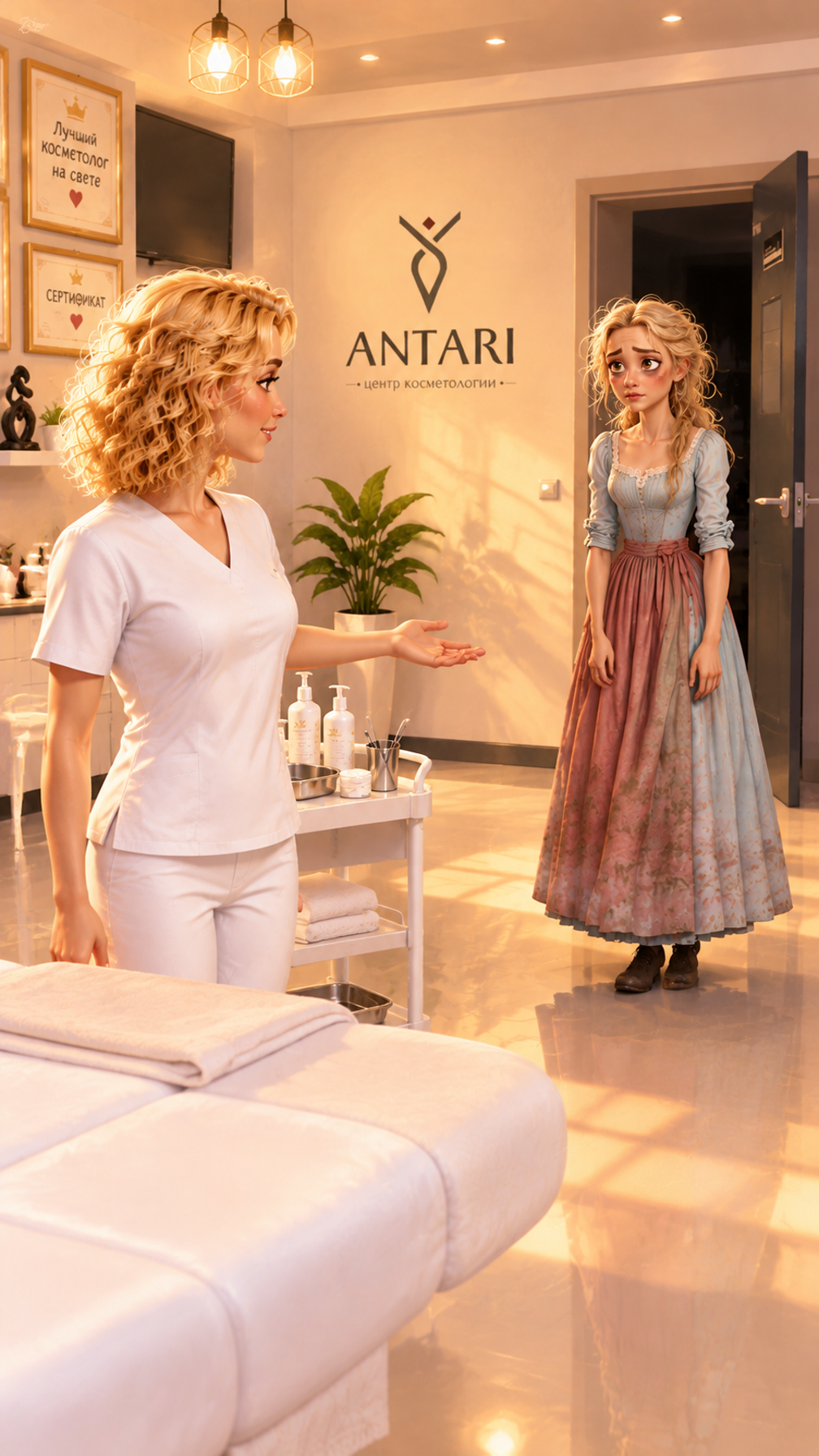
Art style: Disney-inspired. Золушка walking further back in the frame; Косметолог standing in the near foreground. The couch and strip of reflective floor separate them. Золушка is walking on glossy floor near the open doorway further back in the frame in the midground. Torso in three-quarter...
控件根据模型架构生成。更改控件时,代码和价格会同步更新。
/run/openai/gpt-image-2/edit?wait=20
报价 → $0.222
# Run the model; wait up to 20 s for the finished result in the same call
curl -X POST "https://api.doitong.com/v1/run/openai/gpt-image-2/edit?wait=20" \
  -H "Authorization: Bearer $DOITONG_API_KEY" \
  -H "Content-Type: application/json" \
  -d '{
    "prompt": "A red fox trots through fresh snow at sunrise, soft golden light, shallow depth of field",
    "images": [
      "https://content.doitong.com/images/showcase/v3/gen_fox_cartoon.jpg"
    ]
  }'

# Still "queued" or "running"? Poll with the id from the response:
curl "https://api.doitong.com/v1/requests/REQUEST_ID?wait=20" \
  -H "Authorization: Bearer $DOITONG_API_KEY"
const API = "https://api.doitong.com/v1";
const headers = {
"Authorization": "Bearer " + process.env.DOITONG_API_KEY,
"Content-Type": "application/json",
};
// Run the model; wait up to 20 s for the finished result in the same call
let res = await fetch(API + "/run/openai/gpt-image-2/edit?wait=20", {
method: "POST",
headers,
body: JSON.stringify({
"prompt": "A red fox trots through fresh snow at sunrise, soft golden light, shallow depth of field",
"images": [
"https://content.doitong.com/images/showcase/v3/gen_fox_cartoon.jpg"
]
}),
});
let request = await res.json();
if (!res.ok) throw new Error(request.error.code + ": " + request.error.message);
// Not finished yet: long-poll until it is
while (request.status === "queued" || request.status === "running") {
res = await fetch(API + "/requests/" + request.id + "?wait=20", { headers });
request = await res.json();
}
if (request.status !== "succeeded") throw new Error(JSON.stringify(request.error));
console.log(request.outputs.map((o) => o.url), request.cost.credits + " API credits ($" + request.cost.usd + ")");import os
import requests
API = "https://api.doitong.com/v1"
headers = {"Authorization": "Bearer " + os.environ["DOITONG_API_KEY"]}
payload = {
"prompt": "A red fox trots through fresh snow at sunrise, soft golden light, shallow depth of field",
"images": [
"https://content.doitong.com/images/showcase/v3/gen_fox_cartoon.jpg",
],
}
# Run the model; wait up to 20 s for the finished result in the same call
r = requests.post(API + "/run/openai/gpt-image-2/edit", params={"wait": 20}, json=payload, headers=headers)
request = r.json()
if not r.ok:
raise RuntimeError(request["error"]["code"] + ": " + request["error"]["message"])
# Not finished yet: long-poll until it is
while request["status"] in ("queued", "running"):
request = requests.get(API + "/requests/" + request["id"], params={"wait": 20}, headers=headers).json()
if request["status"] != "succeeded":
raise RuntimeError(request["error"])
print([o["url"] for o in request["outputs"]], request["cost"]["credits"], "API credits", "$" + request["cost"]["usd"]){
"jsonrpc": "2.0",
"id": 1,
"method": "tools/call",
"params": {
"name": "run",
"arguments": {
"model_id": "openai/gpt-image-2/edit",
"input": {
"prompt": "A red fox trots through fresh snow at sunrise, soft golden light, shallow depth of field",
"images": [
"https://content.doitong.com/images/showcase/v3/gen_fox_cartoon.jpg"
]
},
"wait_seconds": 20
}
}
}根据 `image_urls` 中最多 16 个 URL,并在最多 32000 个字符的提示词引导下编辑或合成图像。`mask_url` 将编辑限制在指定区域内。`image_size` 默认为 auto,会根据输入推断尺寸。质量范围为 auto 到 high,最多输出 4 张 png、jpeg 或 webp 图像。
发送规范名称或原生名称之一,不要同时发送两者。 规范名称
prompt必填
image_urls必填
images
image_size可选
background可选
quality可选
num_images可选
num_outputs
output_format可选
enable_safety_checker可选
mask_url可选
mask
文件参数接受公开的 https:// URL、最大 10 MB 的 data: URI,或上传文件的 file_url。 文件
{
  "id": "req_8k2m4q7x1z9c3v5b6n0p2r4t",
  "object": "request",
  "model": "openai/gpt-image-2/edit",
  "status": "succeeded",
  "created_at": "2026-10-20T12:00:00Z",
  "started_at": "2026-10-20T12:00:02Z",
  "completed_at": "2026-10-20T12:00:09Z",
  "queue_position": null,
  "cost": {
    "credits": 222,
    "usd": "0.222",
    "charged": 222,
    "refunded": 0
  },
  "input": {
    "prompt": "A red fox trots through fresh snow at sunrise, soft golden light, shallow depth of field",
    "image_urls": [
      "https://content.doitong.com/images/showcase/v3/gen_fox_cartoon.jpg"
    ]
  },
  "output": {
    "images": [
      {
        "url": "https://content.doitong.com/dev-api/2026/10/20/req_8k2m4q7x1z9c3v5b6n0p2r4t/0-output.jpeg",
        "content_type": "image/jpeg",
        "file_name": "0-output.jpeg",
        "file_size": 1843200,
        "width": 1024,
        "height": 768
      }
    ]
  },
  "outputs": [
    {
      "type": "image",
      "url": "https://content.doitong.com/dev-api/2026/10/20/req_8k2m4q7x1z9c3v5b6n0p2r4t/0-output.jpeg",
      "content_type": "image/jpeg",
      "file_size": 1843200,
      "width": 1024,
      "height": 768,
      "stored": true
    }
  ],
  "error": null,
  "metrics": {
    "inference_seconds": 6.8
  },
  "urls": {
    "self": "https://api.doitong.com/v1/requests/req_8k2m4q7x1z9c3v5b6n0p2r4t",
    "cancel": "https://api.doitong.com/v1/requests/req_8k2m4q7x1z9c3v5b6n0p2r4t/cancel"
  }
}



对于 AI 代理:此页面的 Markdown 版本位于 https://doitong.com/zh/developers/models/openai/gpt-image-2/edit.md. 所有模型和指南: https://doitong.com/developers/llms.txt