Sign In
Pricing Creators Affiliate Start Creating
Stella.Kuper

Stella.Kuper

@stellakuper

Producer of concerts, theatrical shows & vocal competitions in Israel ✨ Founder of K.Stars Production

Сделать своё на Doitong
image
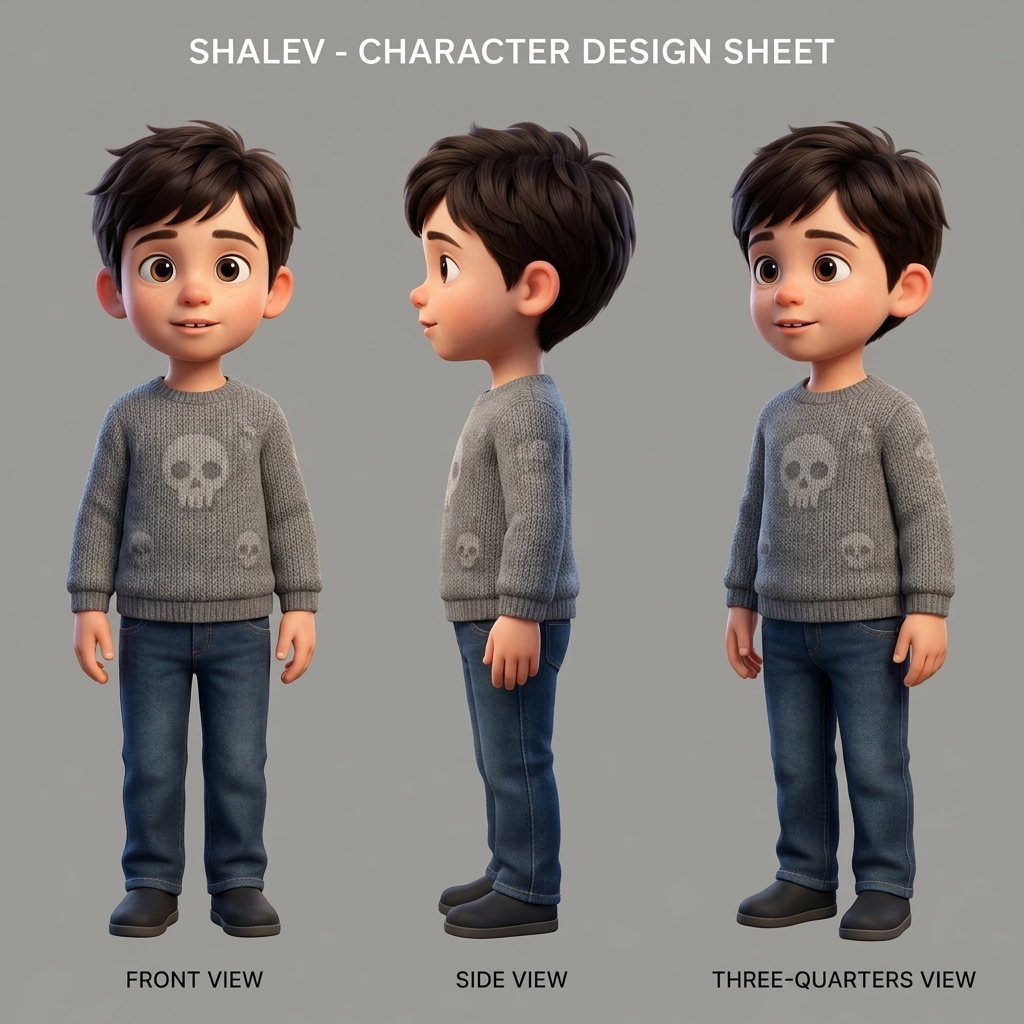
Character design sheet for a 5-year-old boy named Shalev for a 3D animated film. Style: high-quality, warm, emotional family 3D animation...
image
upload-D0E621E6-750C-42D2-A99D-E24F36E23D34-image-03C6D784-DF68-4DE5-ADFA-F8966EDBF873.jpg
image
upload-A4741664-A001-4172-9BB6-54F46E236D15-image-96377B58-AA99-41BE-B008-B395C2D10CDA.jpg
image
upload-0B758899-DD90-4DBE-986F-19C4FDE69F72-image-CC05C0E4-BA2A-436C-91D4-B38FCE681589.jpg
image
upload-E5EE24DD-DAD3-4675-ABF6-0E8E366EE00F-image-2ED4CFD5-E0EB-4A00-B51F-132F986C7252.jpg
video
VEED Lipsync 6a6780193dfeb467dd62a0d3
video
WhatsApp Video 2026-07-27 at 18.53.46.mp4
video
Storyboard: СЕРИЯ 3 — НОВЫЙ ДЕНЬ
video
Edit this exact video only. Keep all characters, faces, clothing, voices, dialogue, camera, office, furniture and lighting unchanged. F...
video
Edit this exact video only. Keep all characters, faces, clothing, voices, dialogue, camera, office, furniture and lighting unchanged. F...
video
Continue directly from the approved previous image or video. This is one continuous animated movie. Never restart the story. Use ONLY ...
video
Continue directly from the approved previous image or video. This is one continuous animated movie. Never restart the story. Use ONLY ...
video
Storyboard: Машина времени. Код человечности — трейлер
video
Animate this final informational title card for 6 seconds. Keep all text completely stable, sharp and readable. Use only subtle cinemat...
video
Create the final title card in the same colorful visual style as the official poster of the show. Do NOT use a black background. Use a ...
video
Animate this exact reference image as the FINAL scene of the trailer. Duration: 7 seconds. Use the attached previous scene as the exact...
video
Animate this exact reference image as the FINAL scene of the trailer. Duration: 7 seconds. Use the previous scene as the exact referenc...
video
CRITICAL AUDIO REQUIREMENT Generate synchronized spoken dialogue. This scene MUST contain audible speech. Do NOT create a silent video...
video
Animate this final informational title card for 6 seconds. Keep all text completely stable, sharp and readable. Use only subtle cinemat...
image
Art style: 3D Pixar. Create Scene 8 as the final informational title card of the trailer. Vertical 9:16. Use a clean, polished, cinema...
video
Animate this exact reference image as Scene 7. Duration: 6 seconds. Preserve the exact same boy, mother, AVI, market, lighting and comp...
image
Art style: 3D Pixar. Create Scene 7 as the emotional final scene of the trailer. Vertical 9:16. High-end cinematic Pixar-quality 3D an...
video
Modify this exact video without changing the characters, faces, clothing, hairstyles, ages, body proportions, background, lighting, camer...
video
Animate this exact reference image as Scene 6. Duration: 7 seconds. Preserve the exact boy, mother, small blue holographic AVI, smartph...
image
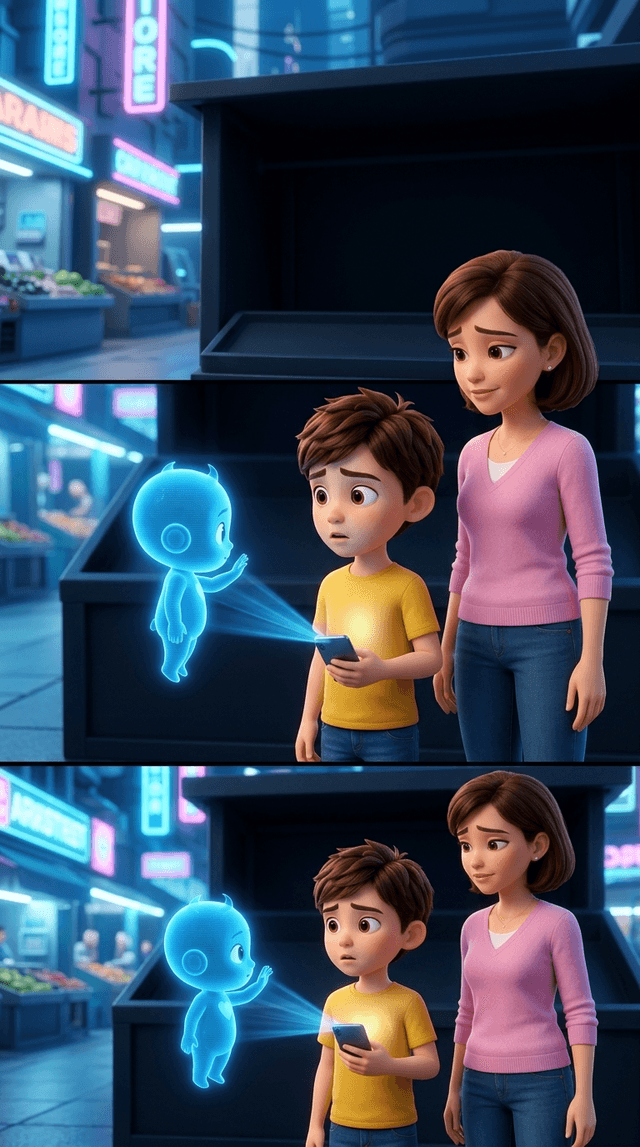
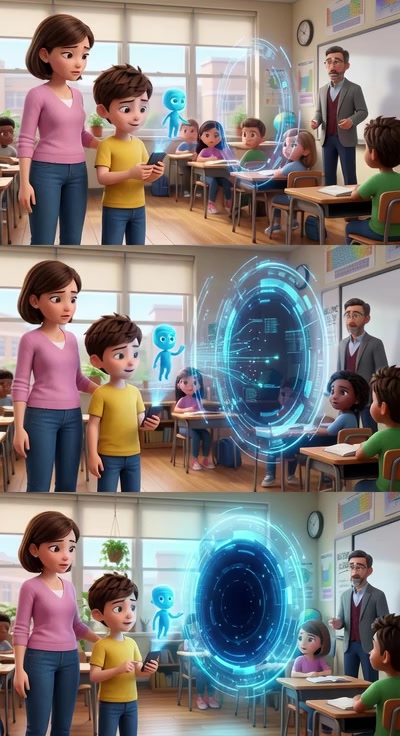
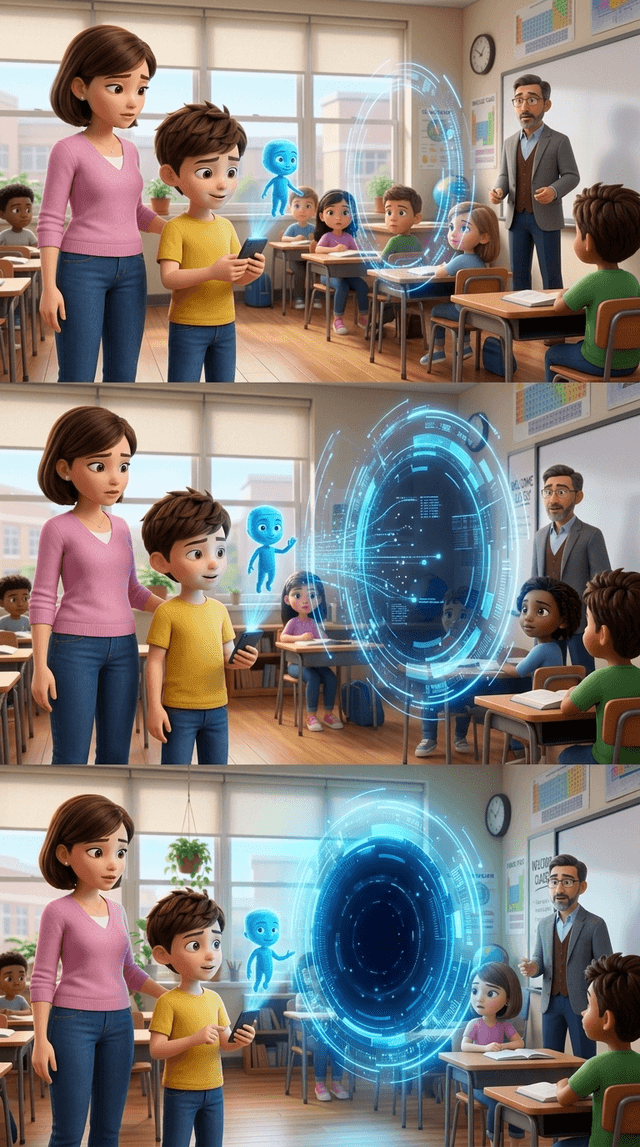
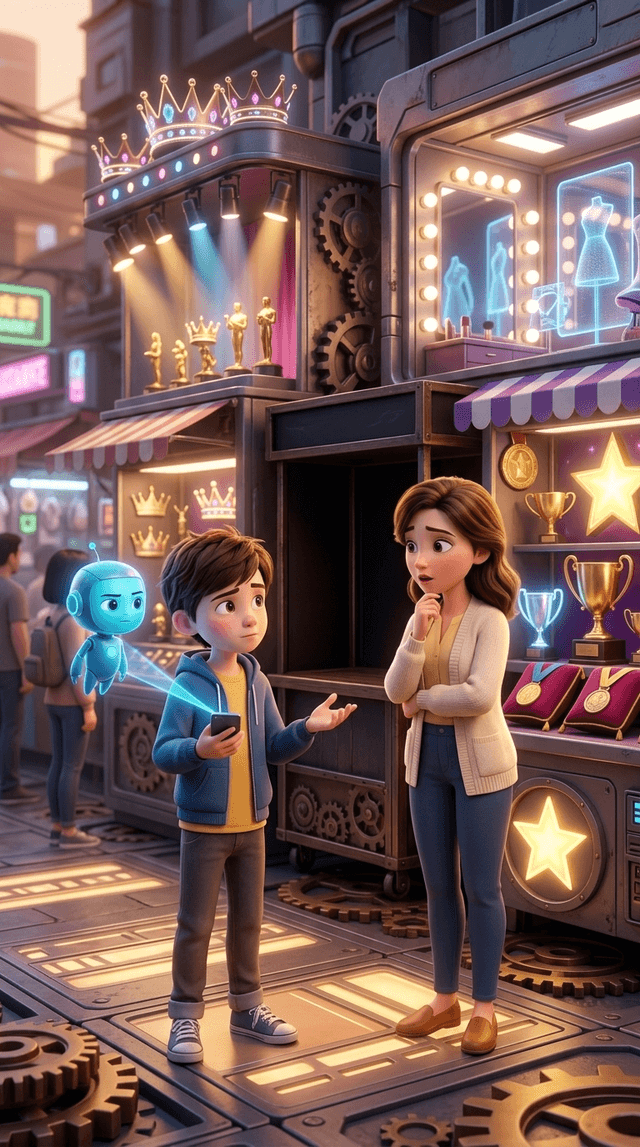
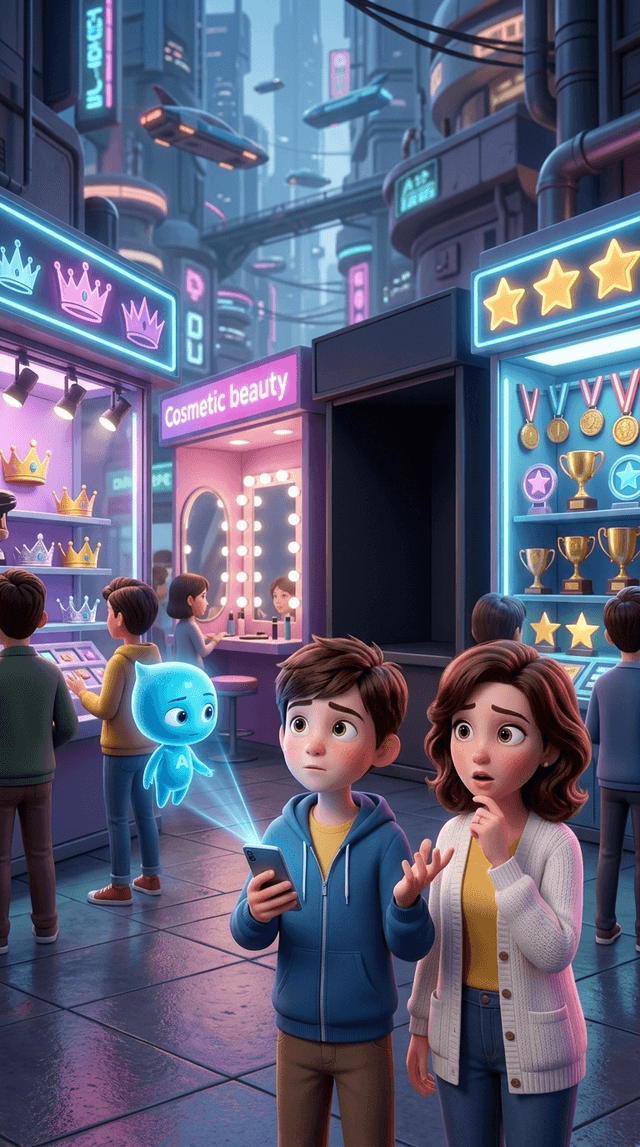
Art style: 3D Pixar. Create Scene 6 as the immediate continuation of Scene 5. CRITICAL IMAGE LAYOUT — HIGHEST PRIORITY Generate ONLY ON...
image
Art style: 3D Pixar. Create Scene 6 as the immediate continuation of Scene 5. Use the attached Scene 5 image as the mandatory character...
video
Animate this exact reference image as Scene 5. Duration: 5 seconds. Preserve the exact boy, mother, small blue holographic AVI, smartph...
video
Animate this exact reference image as a seamless continuation of the previous classroom scene. Duration: 5 seconds. Preserve the exact ...
image
Art style: 3D Pixar. Regenerate Scene 5 using the attached Scene 4 image as the mandatory character reference. Create one single contin...
video
Animate this exact reference image as a seamless continuation of the previous classroom scene. Duration: 5 seconds. Preserve the exact ...
image
Art style: 3D Pixar. Create a direct continuation of the final frame of the previous approved classroom scene. Keep exactly the same cl...
image
Art style: 3D Pixar. Animate this exact reference image as one continuous scene. Duration: 5 seconds. Preserve every character, face, ...
video
Animate this exact reference image as a seamless continuation of the previous classroom scene. Duration: 5 seconds. Preserve the exact ...
video
Animate this exact reference image as a seamless continuation of the previous classroom scene. Duration: 5 seconds. Preserve the exact ...
video
Regenerate the first scene. Keep the same classroom, same mother and same child. Do not change their appearance. The main goal is to c...
image
Art style: 3D Pixar. Animate this exact reference image as one continuous scene. Duration: 5 seconds. Preserve every character, face, ...
image
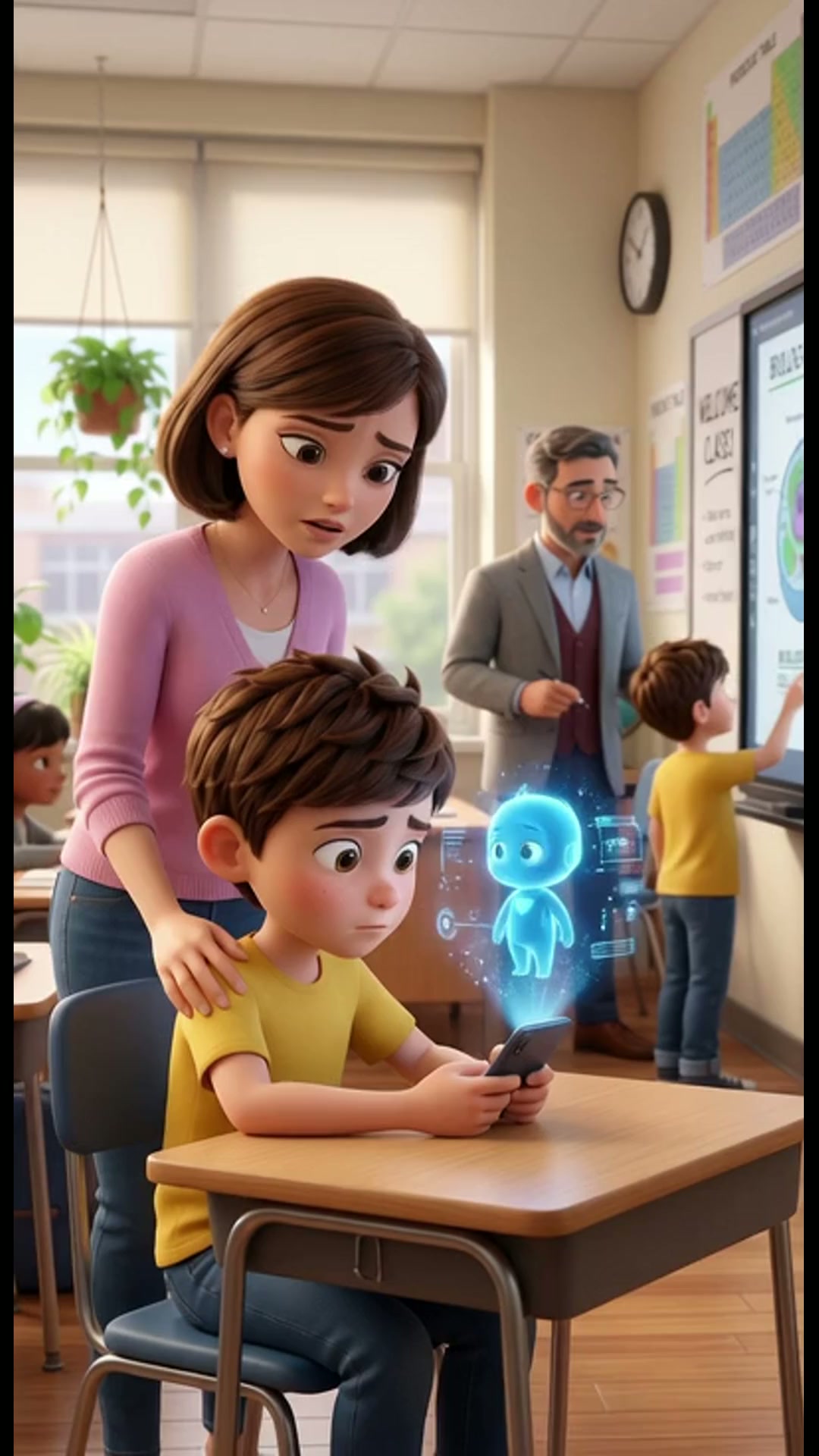
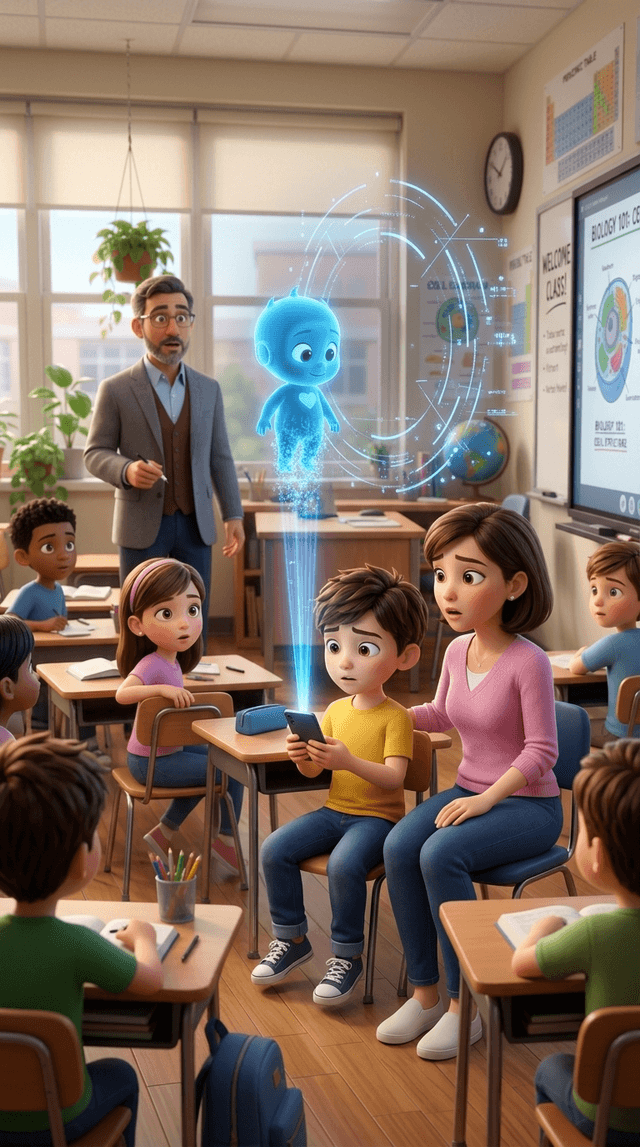
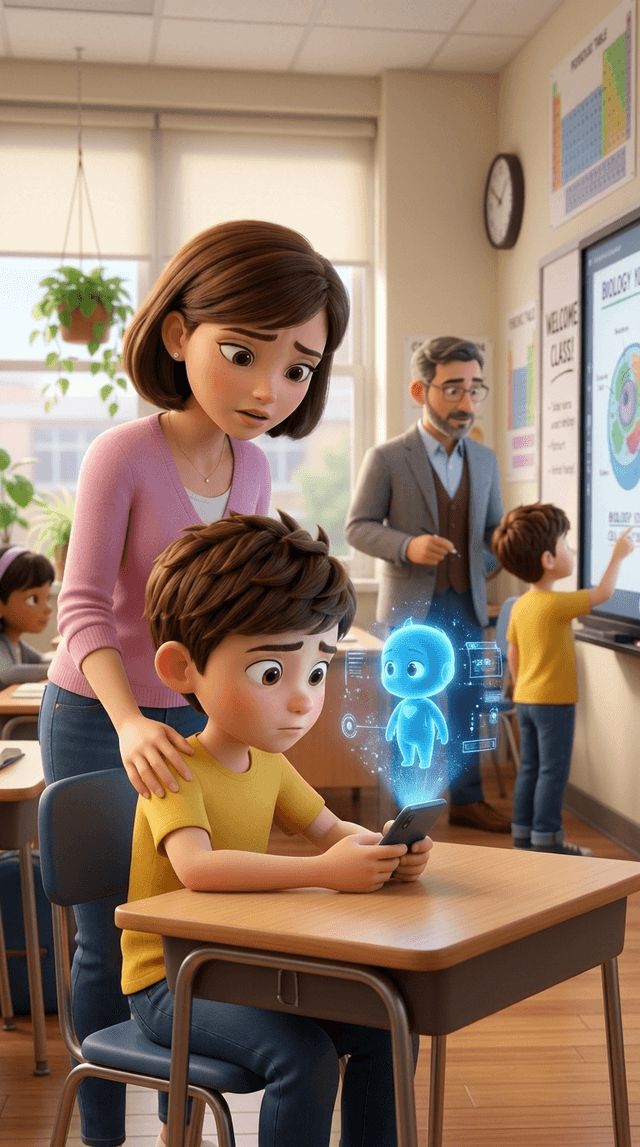
Art style: 3D Pixar. Disney Pixar feature film quality. Vertical 9:16. Modern elementary school classroom. One schoolboy sits at his ...
video
Animate this exact reference image as Scene 6. Duration: 7 seconds. Preserve the exact boy, mother, small blue holographic AVI, smartph...
image
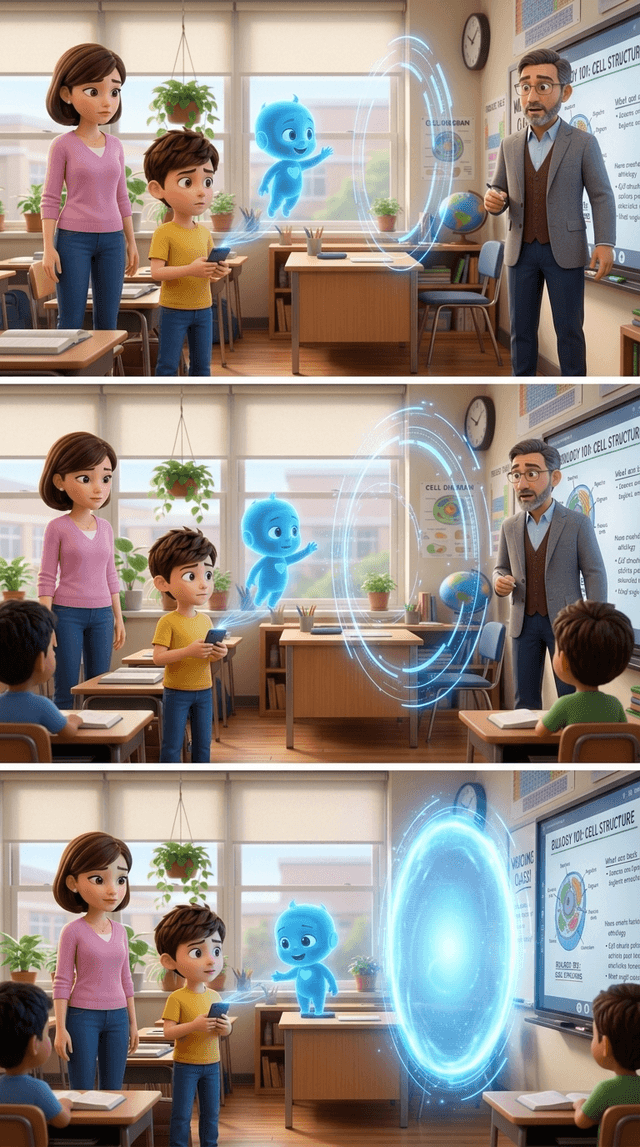
Art style: 3D Pixar. Create Scene 6 as the immediate continuation of Scene 5. Use the attached Scene 5 image as the mandatory character...
image
Art style: 3D Pixar. Create Scene 6 as the immediate continuation of Scene 5. Use the attached Scene 5 image as the mandatory character...
image
Art style: 3D Pixar. Create Scene 6 as the direct continuation of the attached Scene 5 reference image. Vertical 9:16. Use the attache...
image
Art style: 3D Pixar. Create Scene 6 as the immediate continuation of Scene 5. Use the attached Scene 5 image as the mandatory character...
image
Art style: 3D Pixar. Create Scene 6 as the immediate continuation of Scene 5. Use the attached Scene 5 image as the mandatory character...
video
Animate this exact reference image as Scene 5. Duration: 5 seconds. Preserve the exact boy, mother, small blue holographic AVI, smartph...
image
Art style: 3D Pixar. Regenerate Scene 5 using the attached Scene 4 image as the mandatory character reference. Create one single contin...
image
Art style: 3D Pixar. Regenerate Scene 5 using the attached Scene 4 image as the mandatory character reference. Create one single contin...
image
Art style: 3D Pixar. Regenerate Scene 5 as one single continuous full-screen cinematic shot. Vertical 9:16. IMPORTANT COMPOSITION RULE...
image
Art style: 3D Pixar. Regenerate Scene 5 as one single continuous full-screen cinematic shot. Vertical 9:16. IMPORTANT COMPOSITION RULE...
video
Animate this exact reference image as Scene 5. Duration: 5 seconds. Preserve the exact boy, mother, small blue holographic AVI, smartph...
image
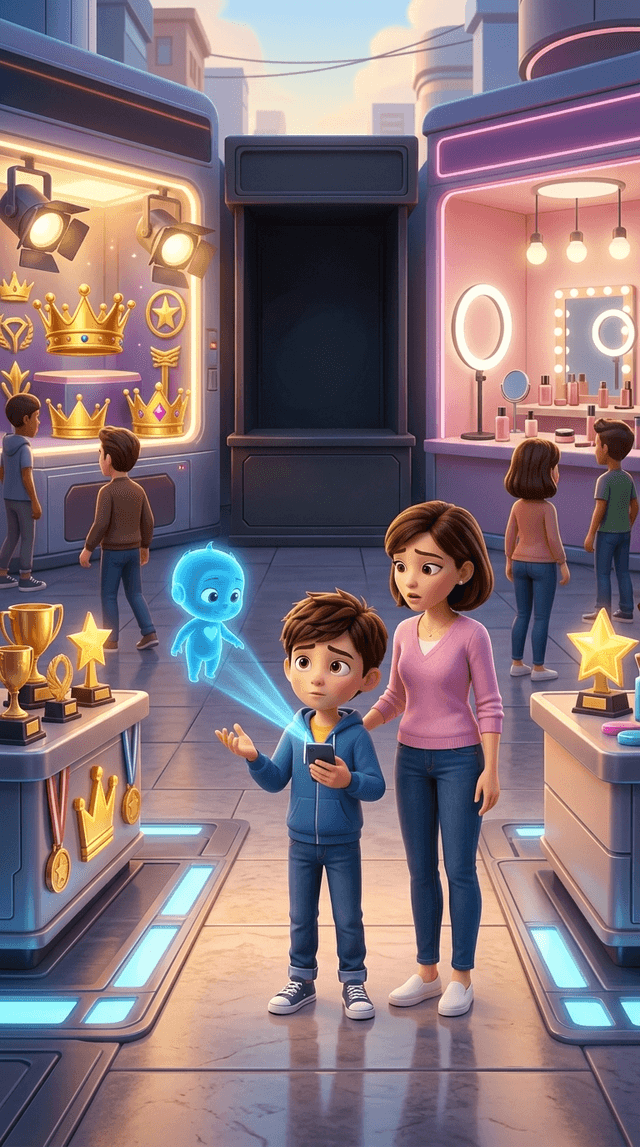
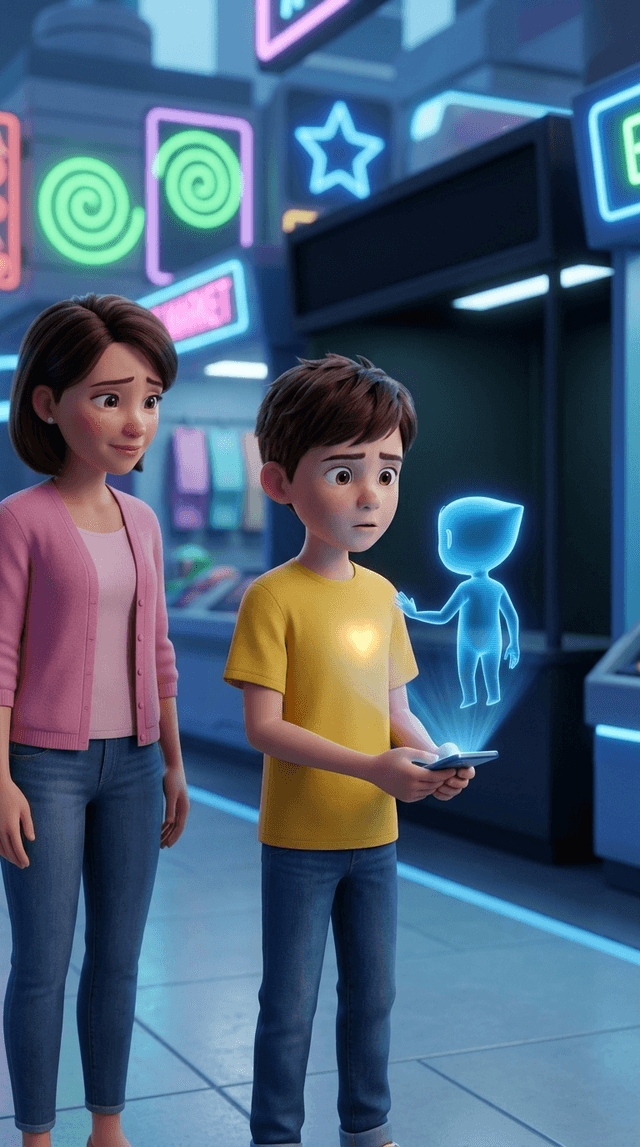
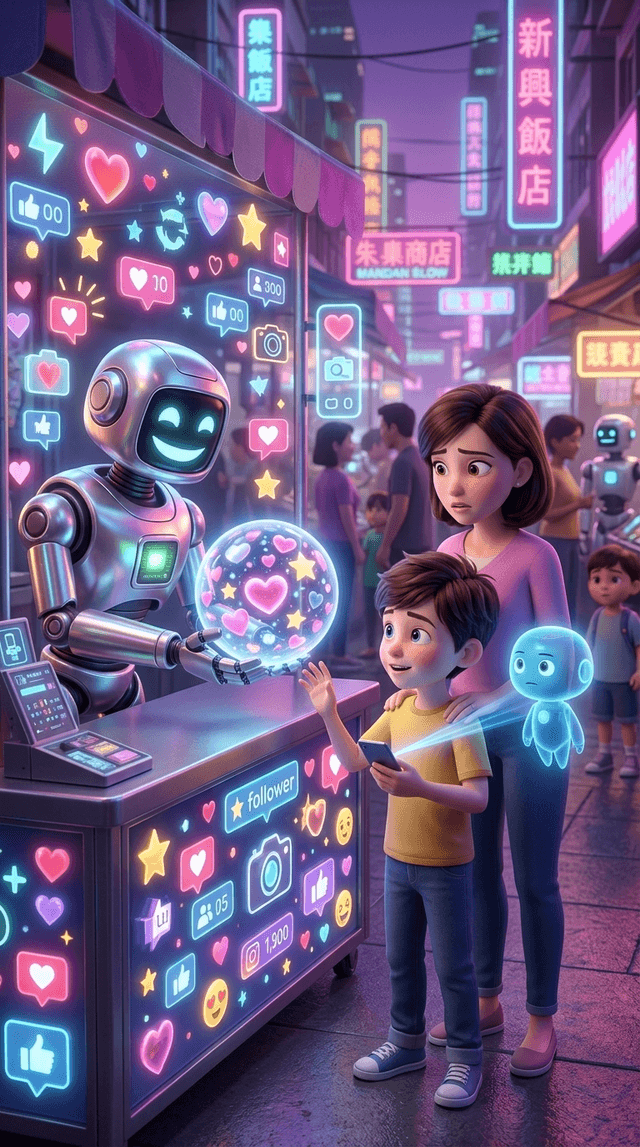
Art style: 3D Pixar. Create Scene 5 as the immediate continuation of the futuristic market scene. Vertical 9:16. High-end cinematic 3D...
video
Измени именно это видео, не меняя дизайн сцены, персонажей, освещение, ракурс камеры, прилавок и композицию. Сохрани без изменений мал...
video
Измени именно это видео, не меняя дизайн сцены, персонажей, освещение, ракурс камеры, прилавок и композицию. Сохрани без изменений мал...
video
Modify this exact video without changing the scene design, characters, lighting, camera angle, market stall or composition. Preserve the...
video
Modify this exact video without changing the scene design, characters, lighting, camera angle, market stall or composition. Preserve the...
video
Modify this exact video without changing the scene design, characters, lighting, camera angle, market stall or composition. Preserve the...
video
Modify this exact Scene 4 animation without changing the existing image design, characters, lighting, market stall, camera angle or compo...
video
Animate this exact reference image as Scene 4. Duration: 5 seconds. Preserve the exact appearance, faces, clothing, body proportions an...
image
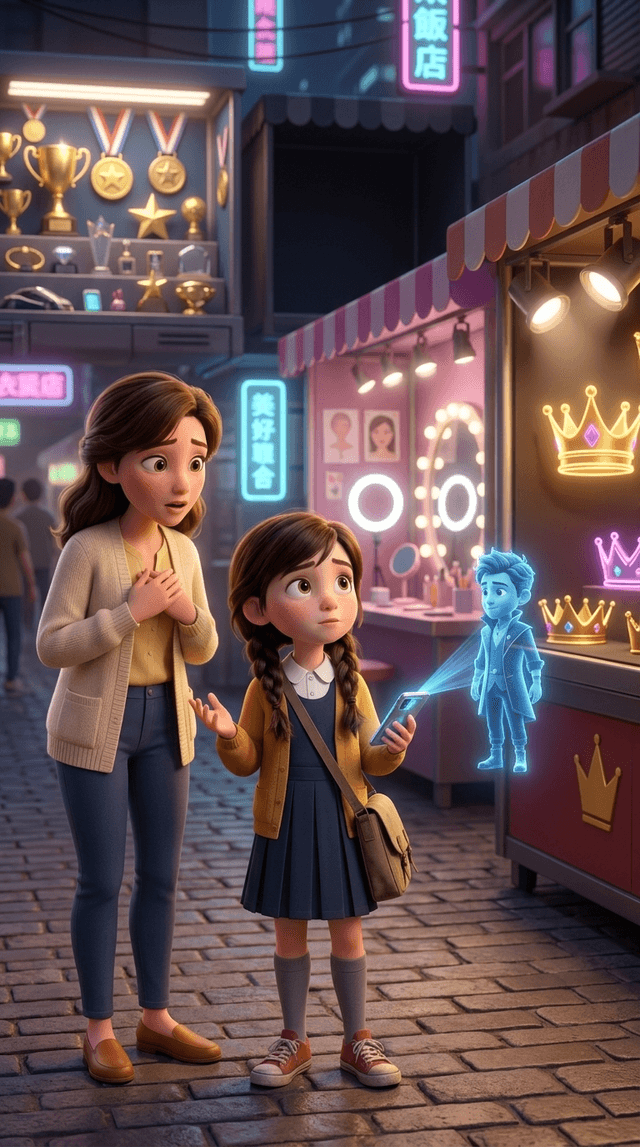
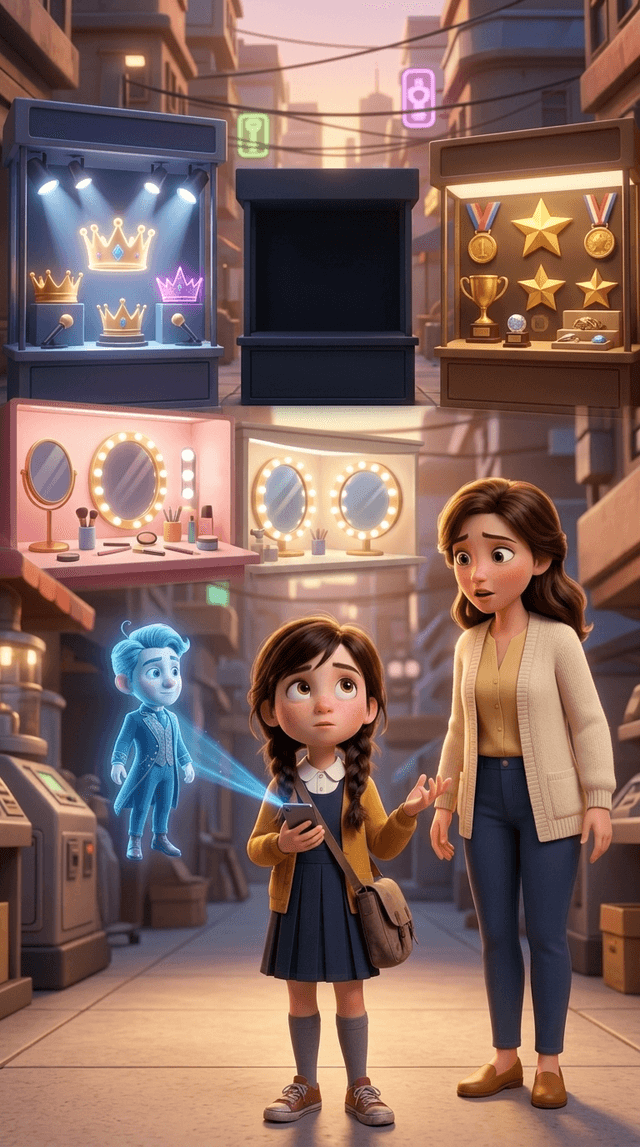
Art style: 3D Pixar. Create Scene 4 as the immediate continuation of the futuristic market scene. Vertical 9:16. High-end cinematic 3D...
video
Improve this exact Scene 3 animation without changing the existing design. Duration: 5 seconds. Preserve the exact futuristic market, c...
video
Animate this exact reference image as Scene 3. Duration: 5 seconds. Preserve the exact appearance, faces, clothing, proportions and pos...