Image - 2026-09-02 09:15
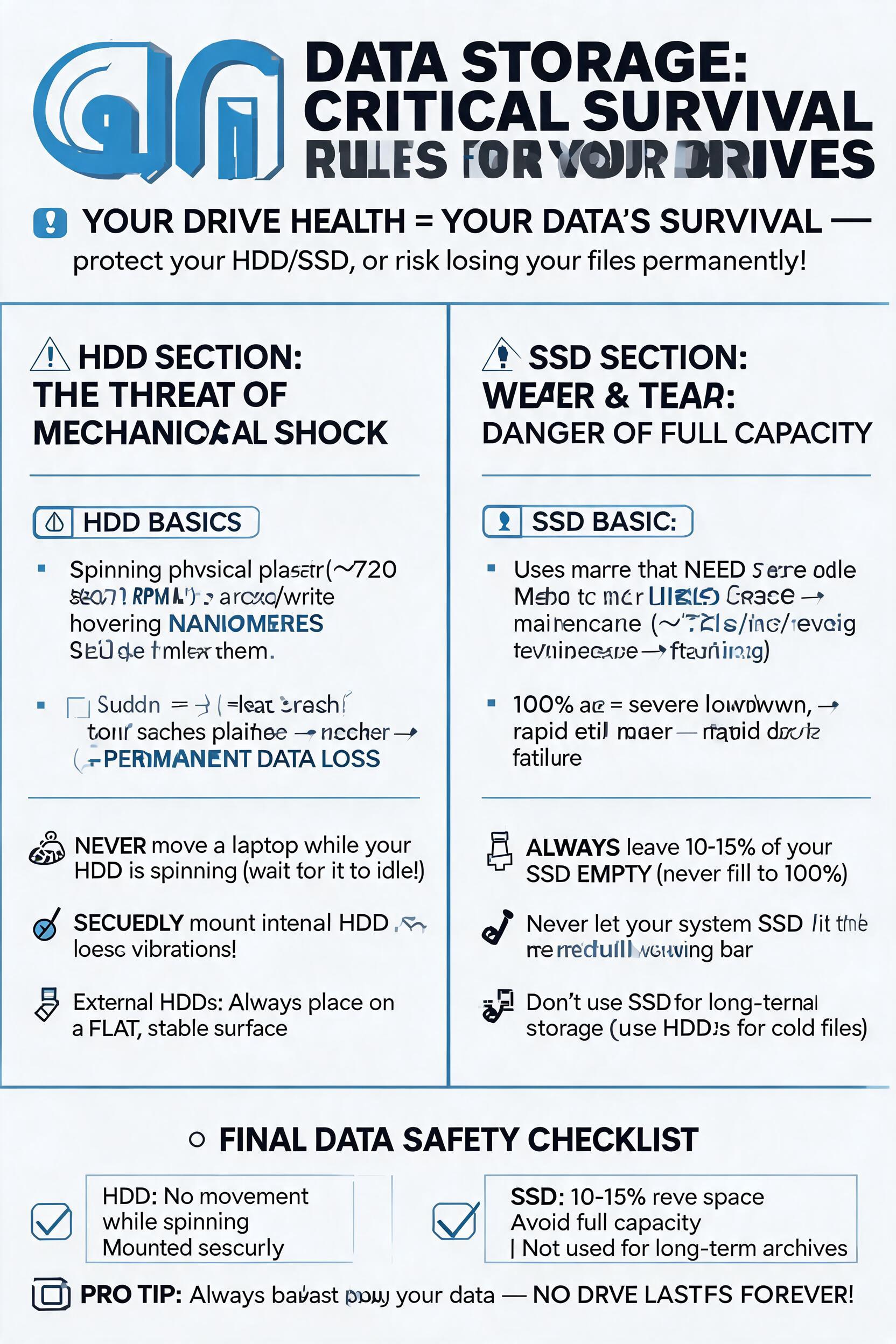
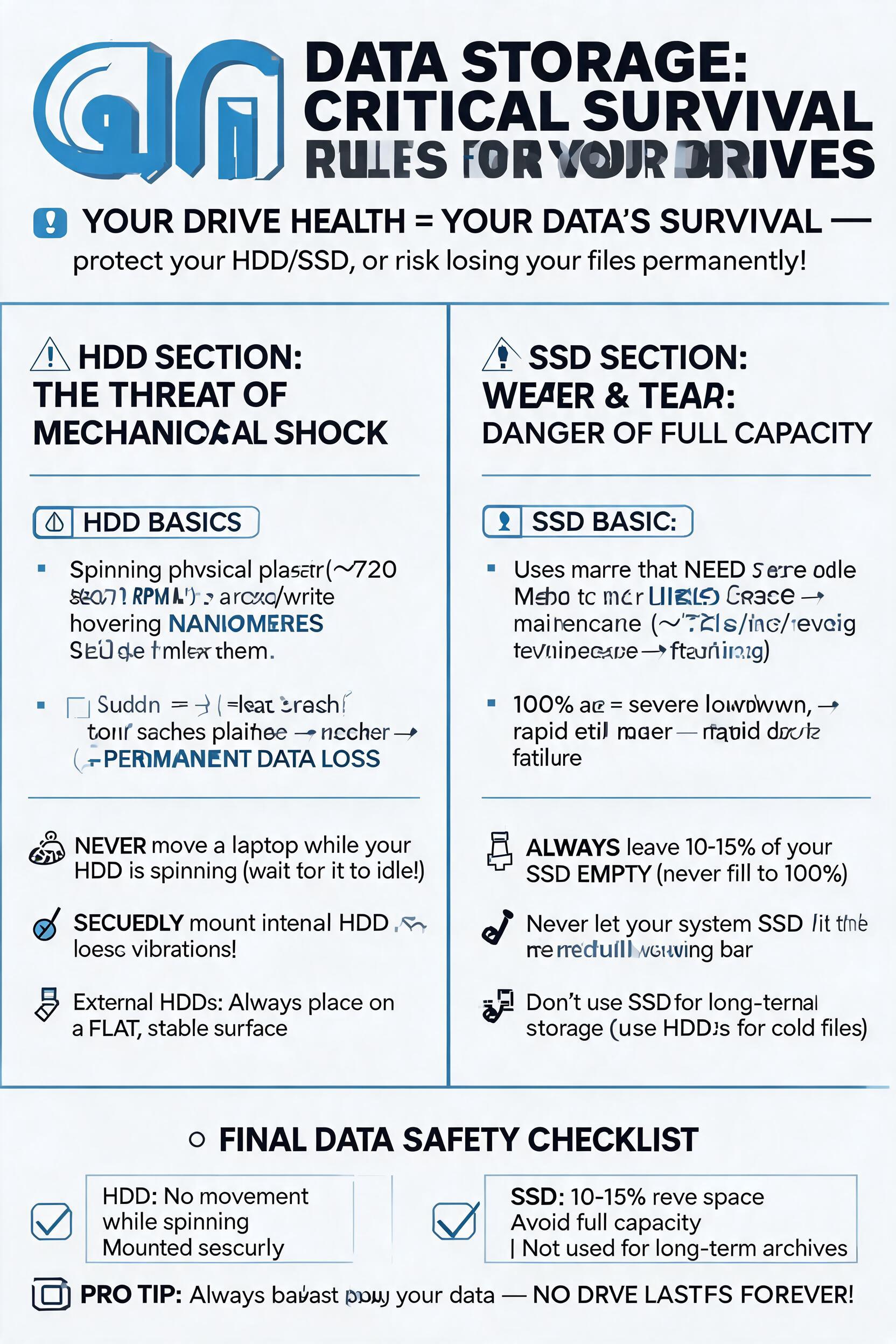
Create a detailed text layout for an educational infographic poster titled "Data Storage: Critical Survival Rules for Your Drives". The tone should be professional yet highly accessible to non-tech users. Use short, punchy sentences, bullet points, and visual markers (like emojis or icons) to make the text easily scannable. Structure the poster into three distinct sections: 1. Introduction: - A catchy, high-impact headline. - A one-sentence summary explaining why drive health (HDD and SSD) directly determines data survival. 2. HDD Section: "The Threat of Mechanical Shock" - Core focus: Extreme vulnerability to bumps, drops, and vibrations. - Simple explanation: Explain that inside an HDD, physical platters spin rapidly while a read/write head hovers mere nanometers away. Any sudden movement or shock while operating causes a physical head crash, permanently scratching the disk and destroying data. - Provide 2-3 actionable rules (e.g., never move a laptop while an HDD is spinning, securely mount internal drives, always place external HDDs on a stable, flat surface). 3. SSD Section: "Wear and Tear: The Danger of Full Capacity" - Core focus: Rapid performance degradation and cell wear when an SSD is completely full. - Simple explanation: Explain that SSDs need free space for background maintenance operations (like TRIM and wear leveling). If filled to 100%, the drive slows down drastically and wears out its memory cells much faster. - Provide 2-3 actionable rules (e.g., always leave 10–15% of the drive empty, never let your system drive hit the "red bar" capacity, avoid using SSDs for dead-weight, long-term archival storage). Conclusion / Summary Checklist: - A final, punchy takeaway or checklist for ultimate data safety. Format the output cleanly so it can be easily copied and pasted into a graphic design tool.
Free to start · Generate videos and images with AI in seconds
More Seedream 5.0 images
См. все →