Image - 2026-08-26 07:59
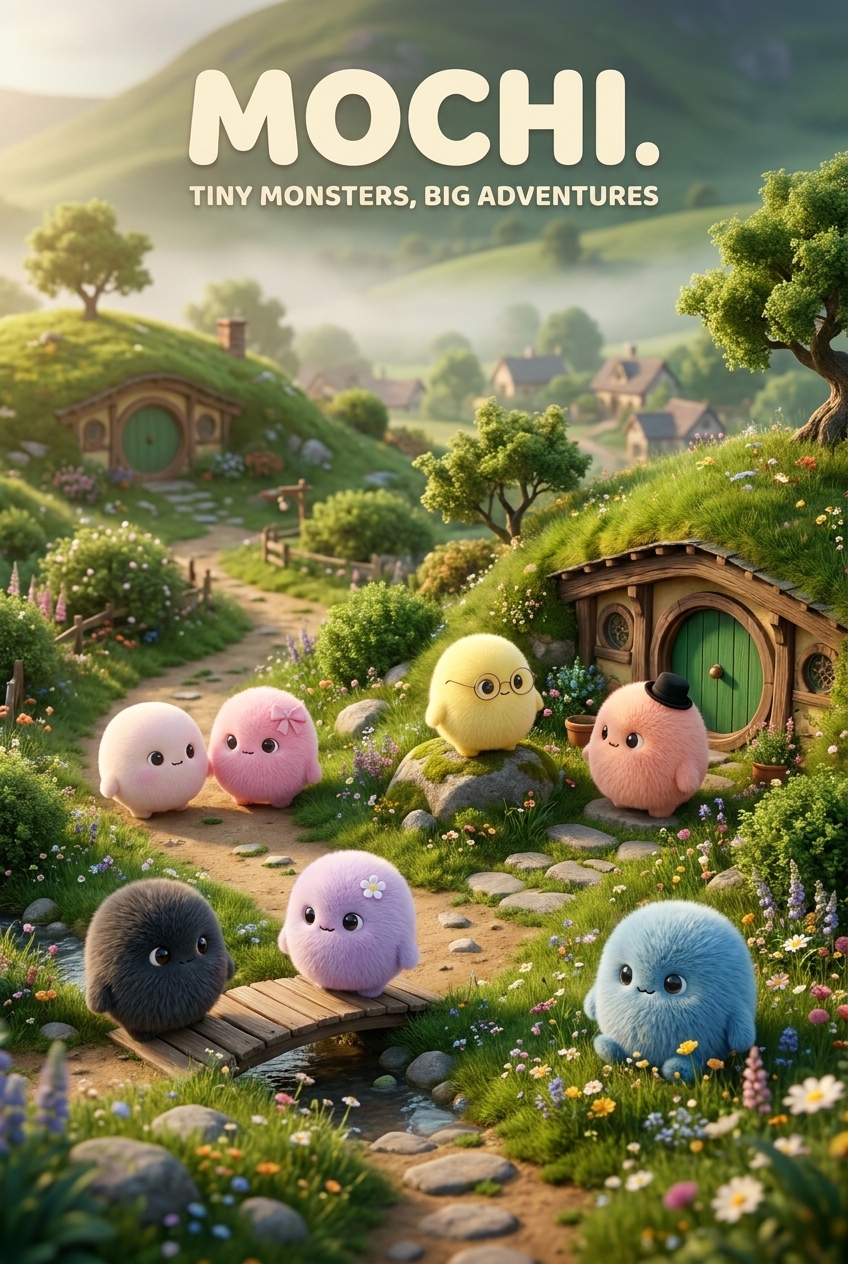
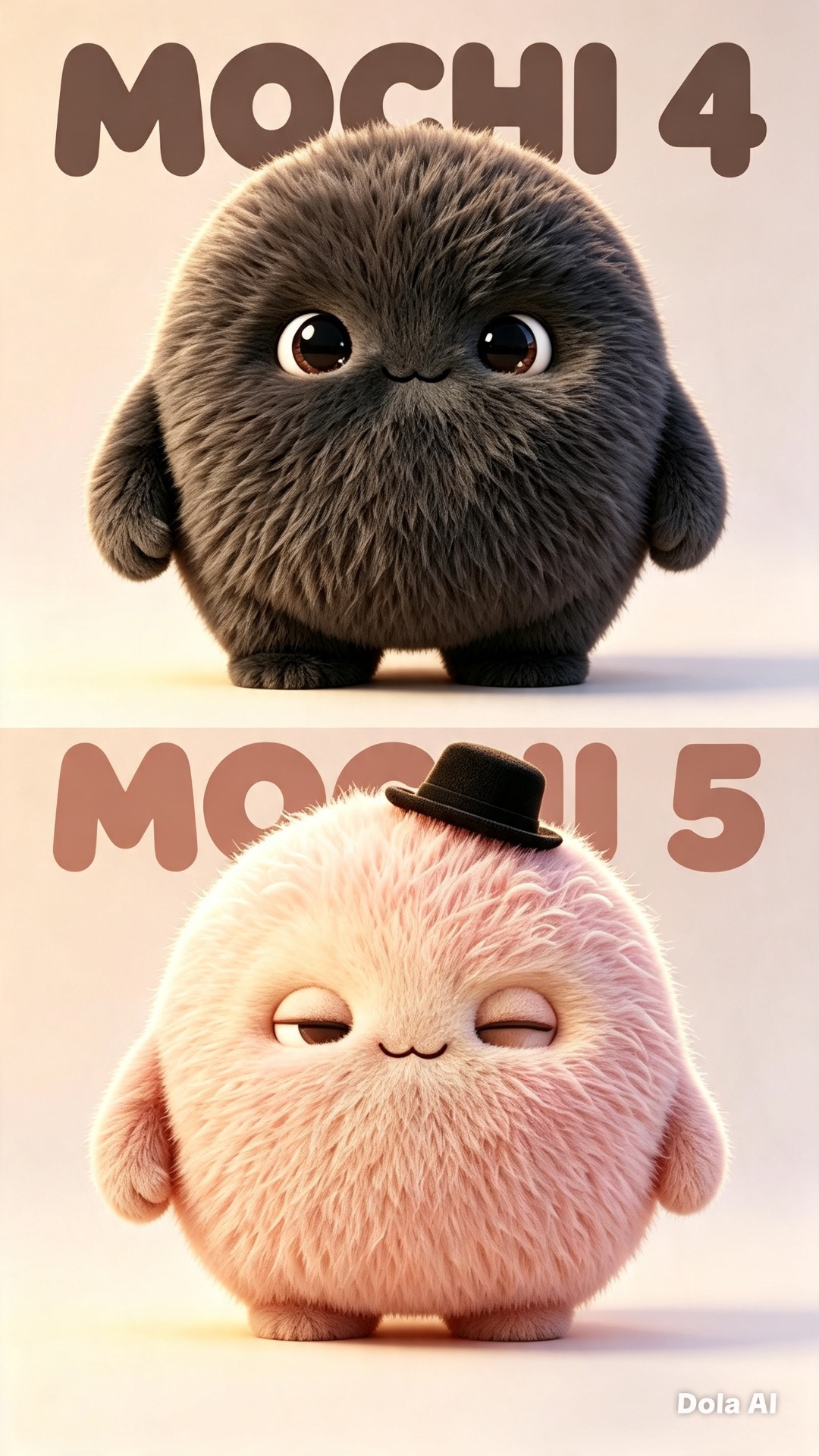
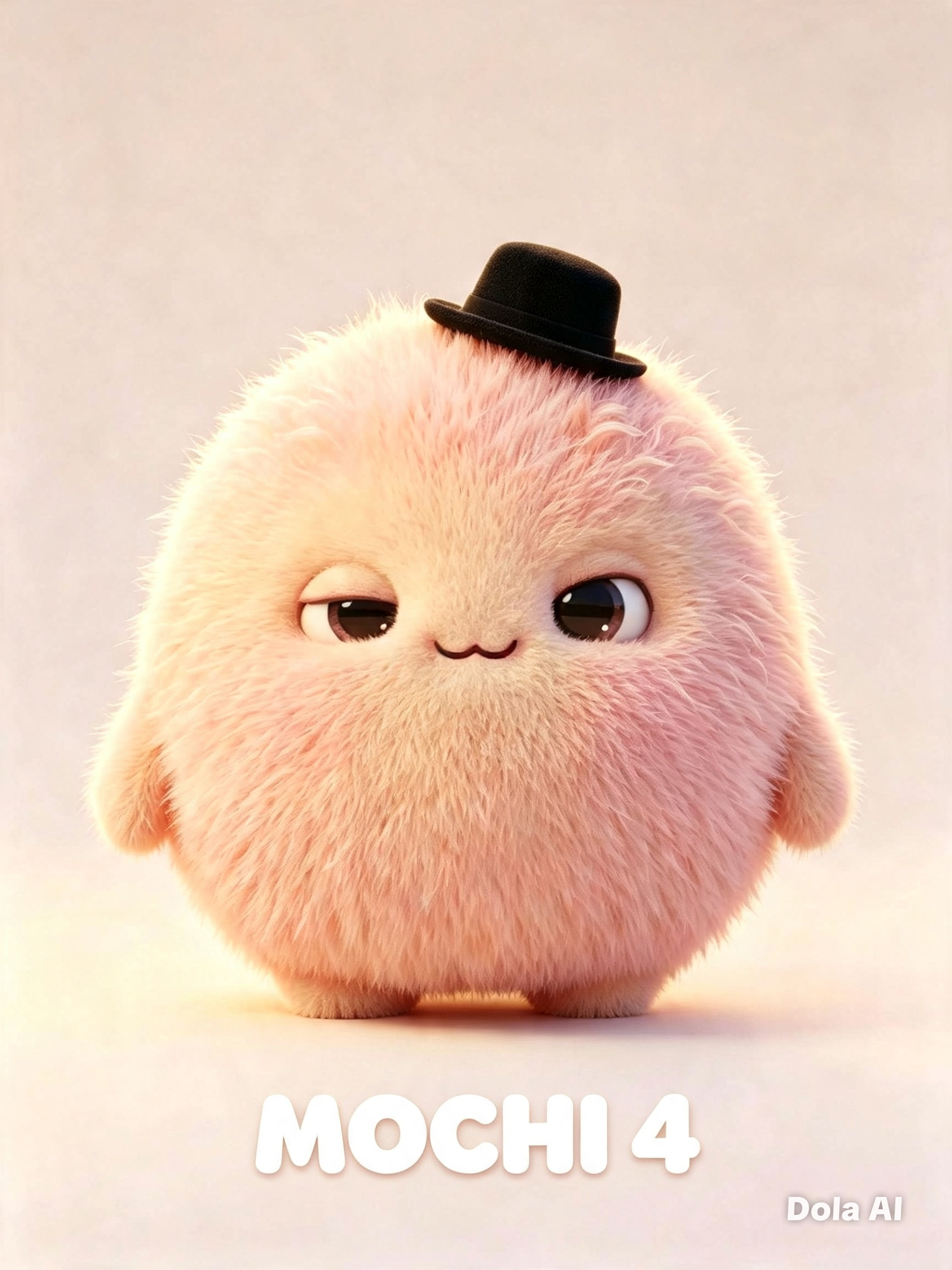
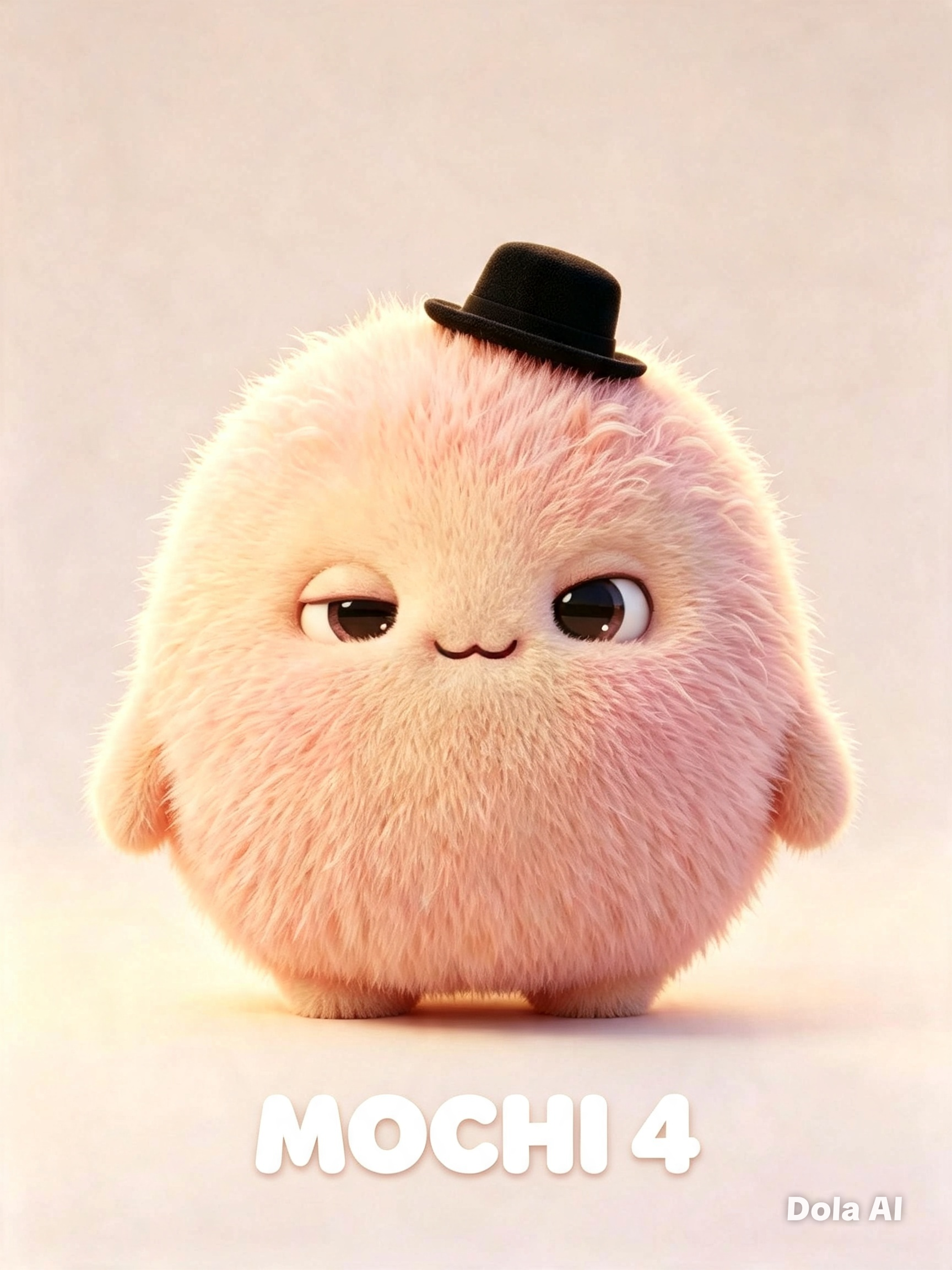
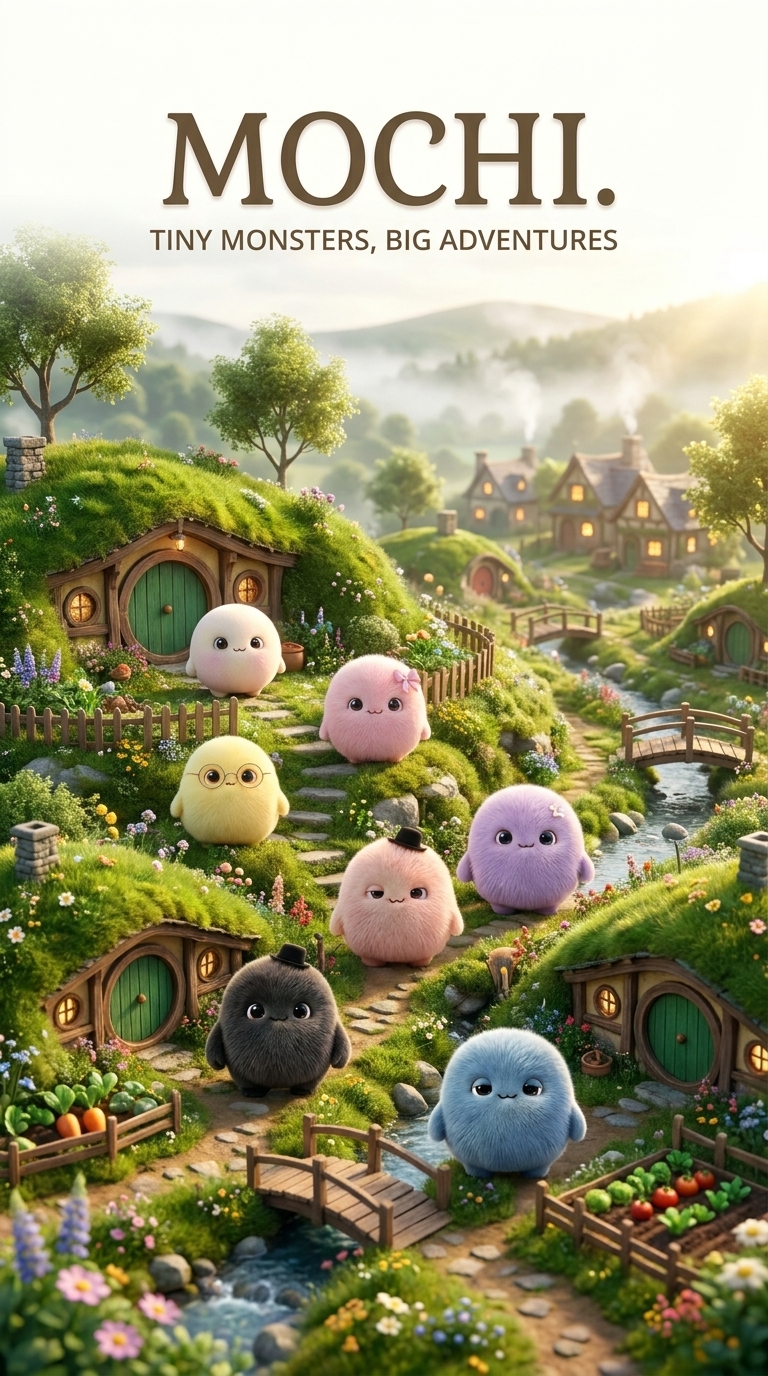
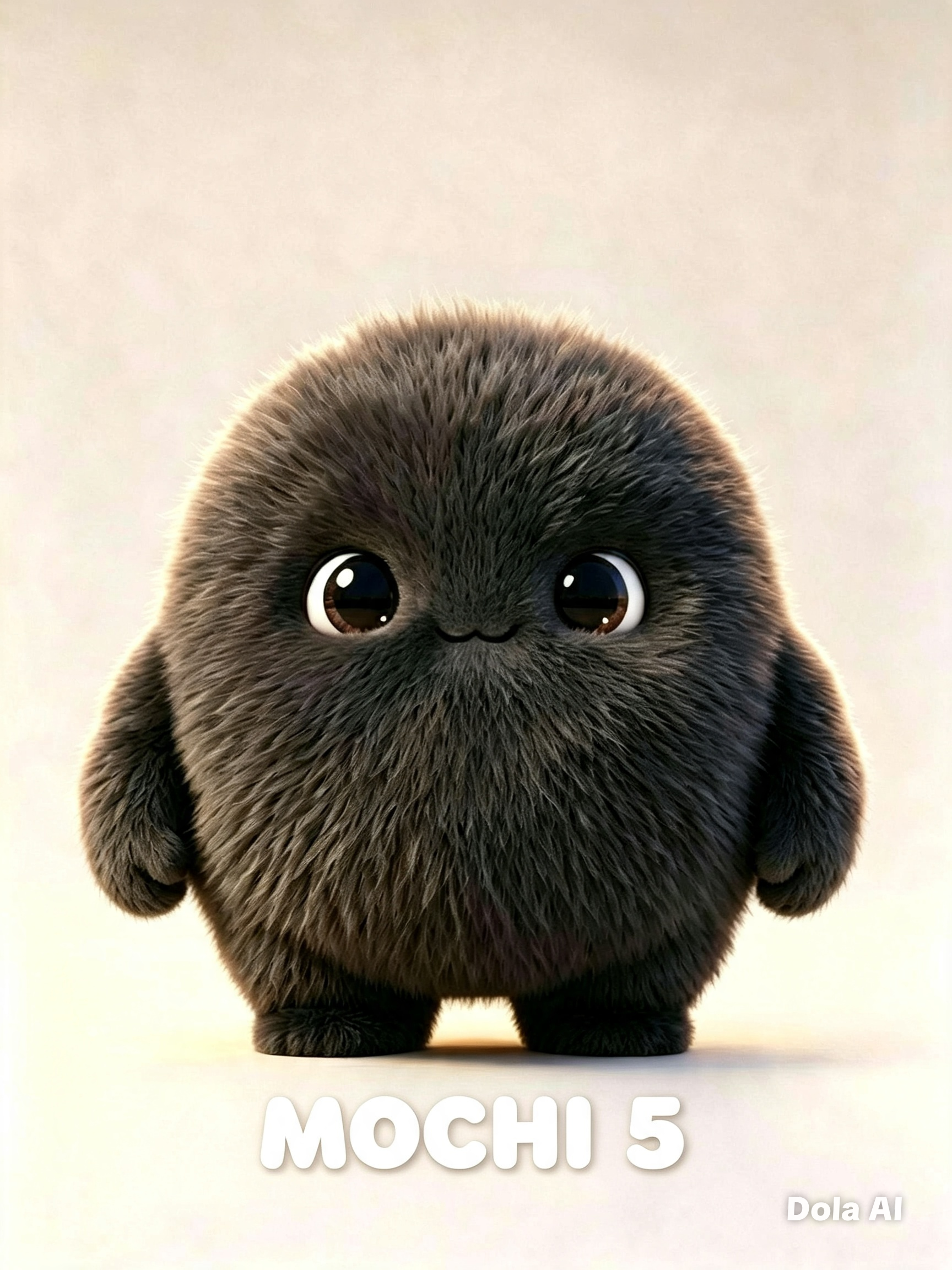
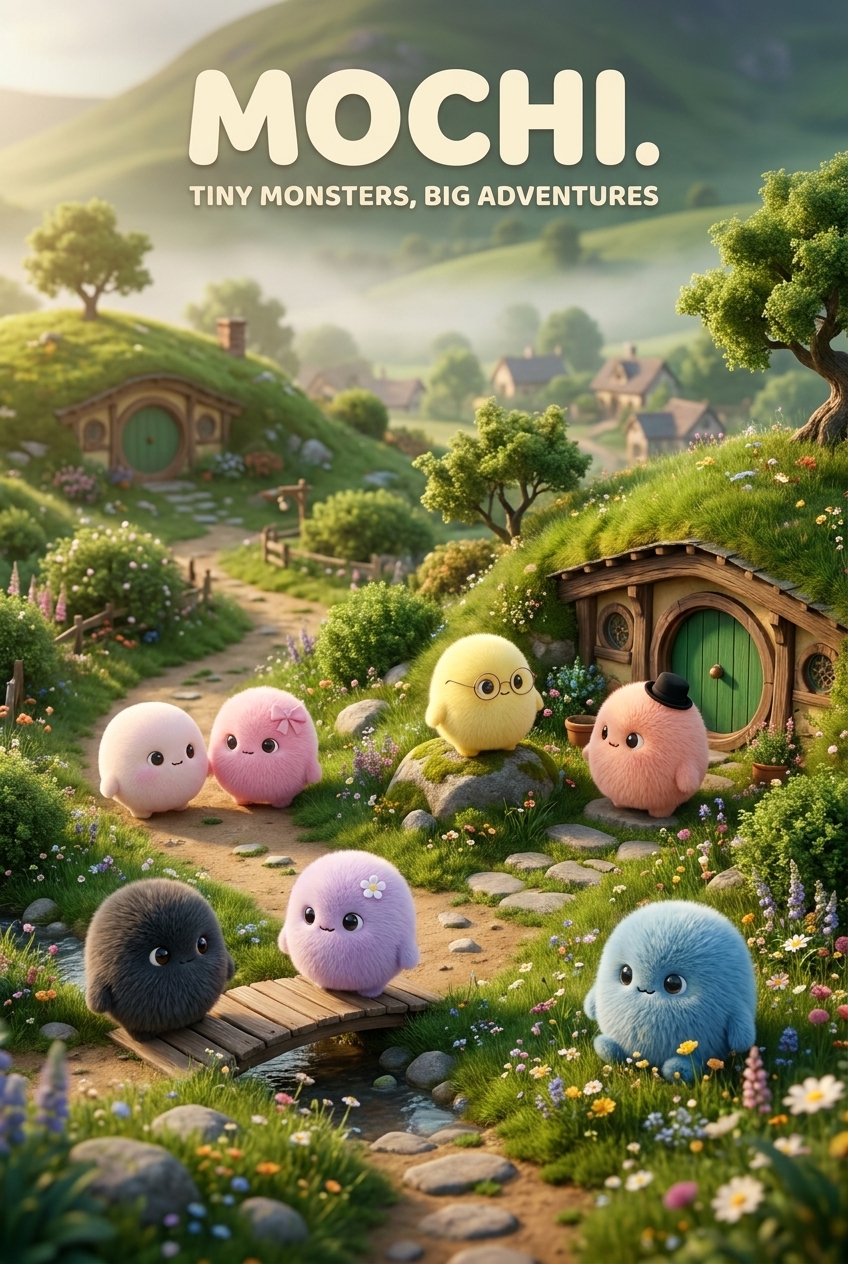
Use the 7 provided Mochi reference photos to create the MOCHI Facebook cover photo. 🔒 INDIVIDUAL CHARACTER LOCK — 1 BY 1 IMPORTANT: Each reference image represents ONE specific locked Mochi character. Analyze and preserve the characters individually, one by one. MOCHI #1 Use Reference Photo #1 only for Mochi #1. Lock and preserve exactly: - Body shape - Body proportions - Head shape - Size and silhouette - Fur length and texture - Fur color and markings - Eyes and facial features - Arms, legs, feet/paws - Ears, if present - Tail, if present - Accessories, clothing, objects, or unique features shown in Reference #1 ONLY MOCHI #2 Use Reference Photo #2 only for Mochi #2. Lock every physical characteristic exactly as shown in Reference #2. MOCHI #3 Use Reference Photo #3 only for Mochi #3. Lock every physical characteristic exactly as shown in Reference #3. MOCHI #4 Use Reference Photo #4 only for Mochi #4. Lock every physical characteristic exactly as shown in Reference #4. MOCHI #5 Use Reference Photo #5 only for Mochi #5. Lock every physical characteristic exactly as shown in Reference #5. MOCHI #6 Use Reference Photo #6 only for Mochi #6. Lock every physical characteristic exactly as shown in Reference #6. MOCHI #7 Use Reference Photo #7 only for Mochi #7. Lock every physical characteristic exactly as shown in Reference #7. 🚫 DO NOT TRANSFER FEATURES BETWEEN CHARACTERS NEVER give one Mochi another Mochi's accessories, clothing, markings, fur characteristics, colors, facial features, body shape, or other unique details. If an accessory is visible on Mochi #1, it belongs ONLY to Mochi #1. If an accessory is visible on Mochi #3, it belongs ONLY to Mochi #3. Do not copy an accessory from one reference character onto another character. Do not add accessories that are not present in that specific Mochi's reference photo. Do not invent hats, clothes, bags, jewelry, glasses, shoes, flowers, weapons, props, or other accessories. Each Mochi must remain individually locked to its own reference photo. 🌿 HOBBIT-LIKE ECOSYSTEM Create a beautiful miniature fantasy environment inspired by a cozy Hobbit-like countryside: - Rolling green hills - Hobbit-style round-door houses - Tiny village - Lush grass - Small gardens - Winding dirt paths - Wooden fences - Trees and bushes - Wildflowers - Mushrooms - Mossy rocks - Tiny bridges - Warm glowing homes - Peaceful hills in the distance - Soft magical morning light The background and ecosystem may be newly created, but the 7 Mochi characters must remain locked exactly to their individual references. 📸 FINAL COVER All 7 original Mochis appear together naturally in the Hobbit-like ecosystem. Make it cinematic, adorable, magical, cozy, and professional. Add: MOCHI. TINY MONSTERS, BIG ADVENTURES FINAL ABSOLUTE RULE 7 REFERENCE PHOTOS = 7 INDIVIDUALLY LOCKED CHARACTERS. DO NOT CHANGE THEM. DO NOT MIX THEM. DO NOT TRANSFER THEIR FEATURES. DO NOT ADD ACCESSORIES. DO NOT CREATE EXTRA MOCHIS. Only create the Hobbit-like environment, composition, lighting, and background around the exact original characters.
Free to start · Generate videos and images with AI in seconds
More from this creator
More L images
См. все →