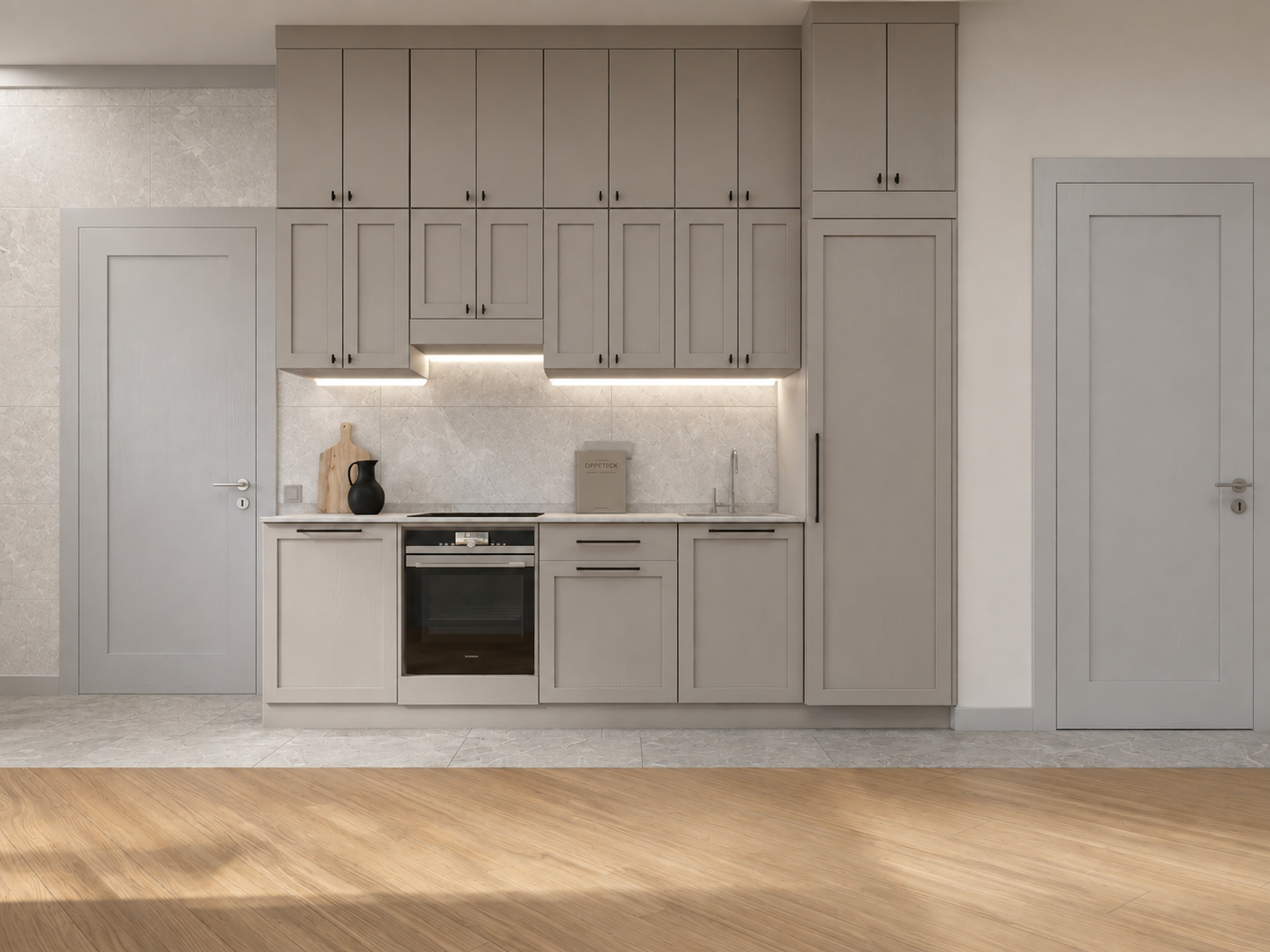

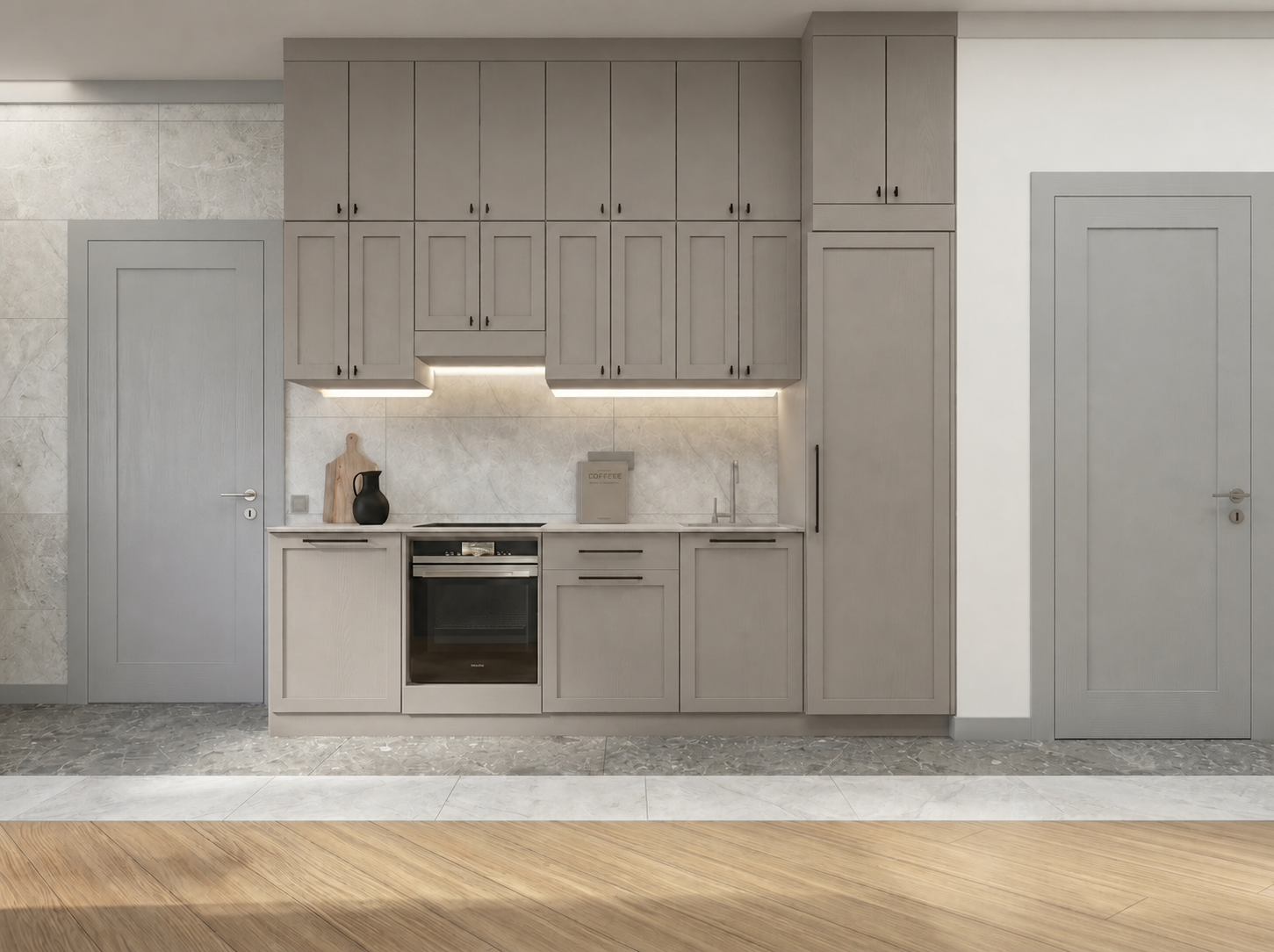
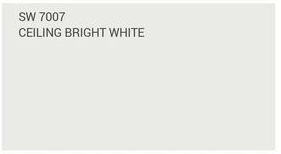
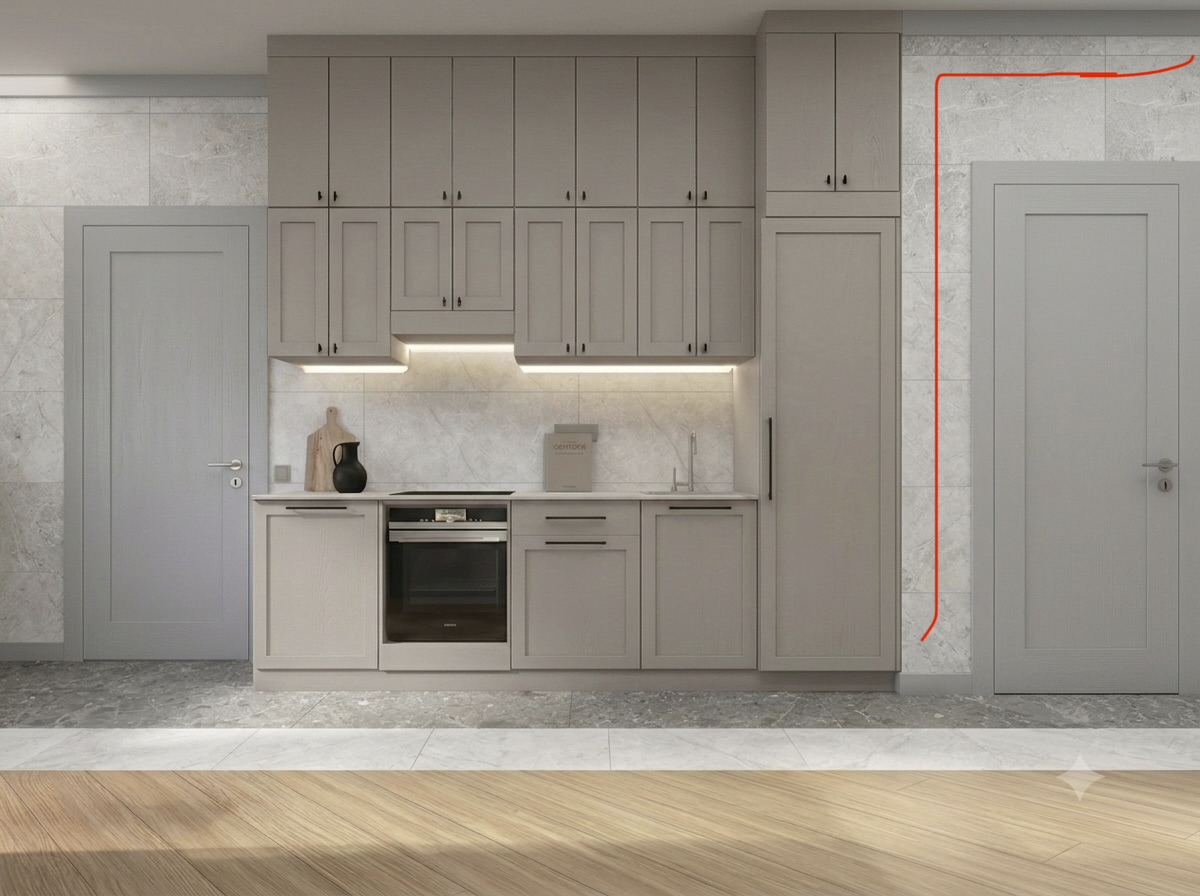
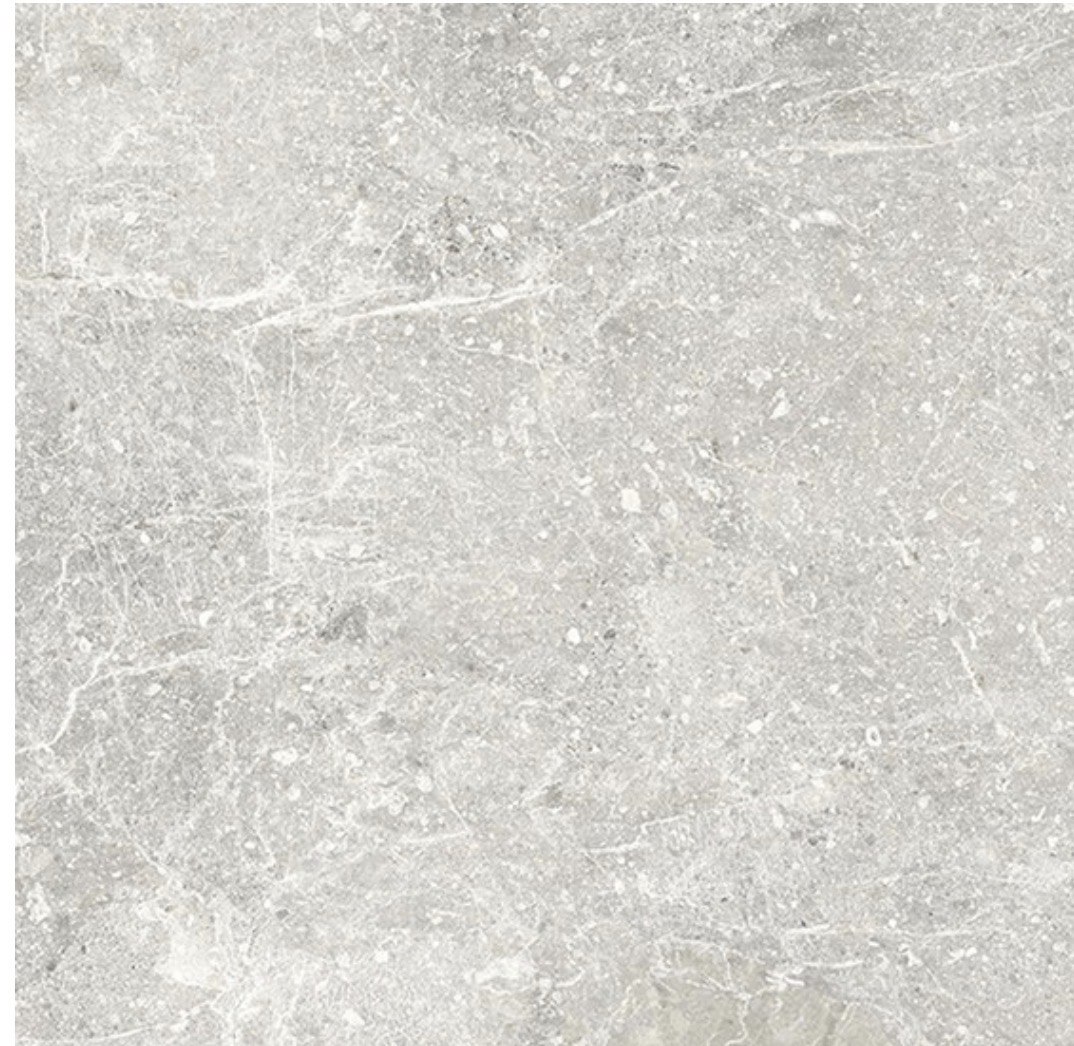







**Krea prompt (EN, 4:3):** “Edit Photo 1 into a clean, premium real-estate / catalog image (aspect ratio 4:3). Preserve the exact architecture, camera angle, perspective, kitchen layout, cabinets, doors, appliances, countertop, lighting fixtures, furniture, baseboards, and ALL tile layouts/boundaries and grout line positions. Make ONLY these material changes (color + texture only, NO layout changes): 1) **Dark floor perimeter strip:** Replace the color and stone texture of the **dark tile strip running along the perimeter of the room** with the exact tile material from **Reference Photo 2**. Keep the same tile size, grout width, seams, and strip boundaries—material swap only. 2) **Wall tile + light floor strip:** Replace the color and stone texture of **(a) the tiled wall surface** (the wall tile visible in the room, including the kitchen backsplash area if it is tiled) **and (b) the light/white tile strip on the floor** with the exact tile material from **Reference Photo 3**. Again, keep the same tile sizes, grout pattern, seam locations, and boundaries—material swap only. Ensure the tile from Reference Photo 3 looks identical in BOTH places (same tone, veining, scale, and finish), and the tile from Reference Photo 2 matches the dark perimeter strip consistently. Photorealistic stone variation, correct scale, clean thin grout, crisp edges, realistic shadows and reflections. Lighting: keep the original lighting setup, but refine it to a ‘selling’ look—balanced exposure, soft natural light + gentle warm fill, no blown highlights, no harsh hotspots, subtle ambient occlusion. Do not introduce any new objects or design changes.” **Negative prompt (optional):** “Do not change any geometry, tile layout, grout positions, cabinet colors, furniture, doors, appliances, countertop, or camera angle. No extra decor, no warping, no blur, no pattern changes—only, no logo. recolor/retexture the specified tile areas.”
Free to start · Generate videos and images with AI in seconds